5 Nano Banana 2.1 changes that actually impact image generation
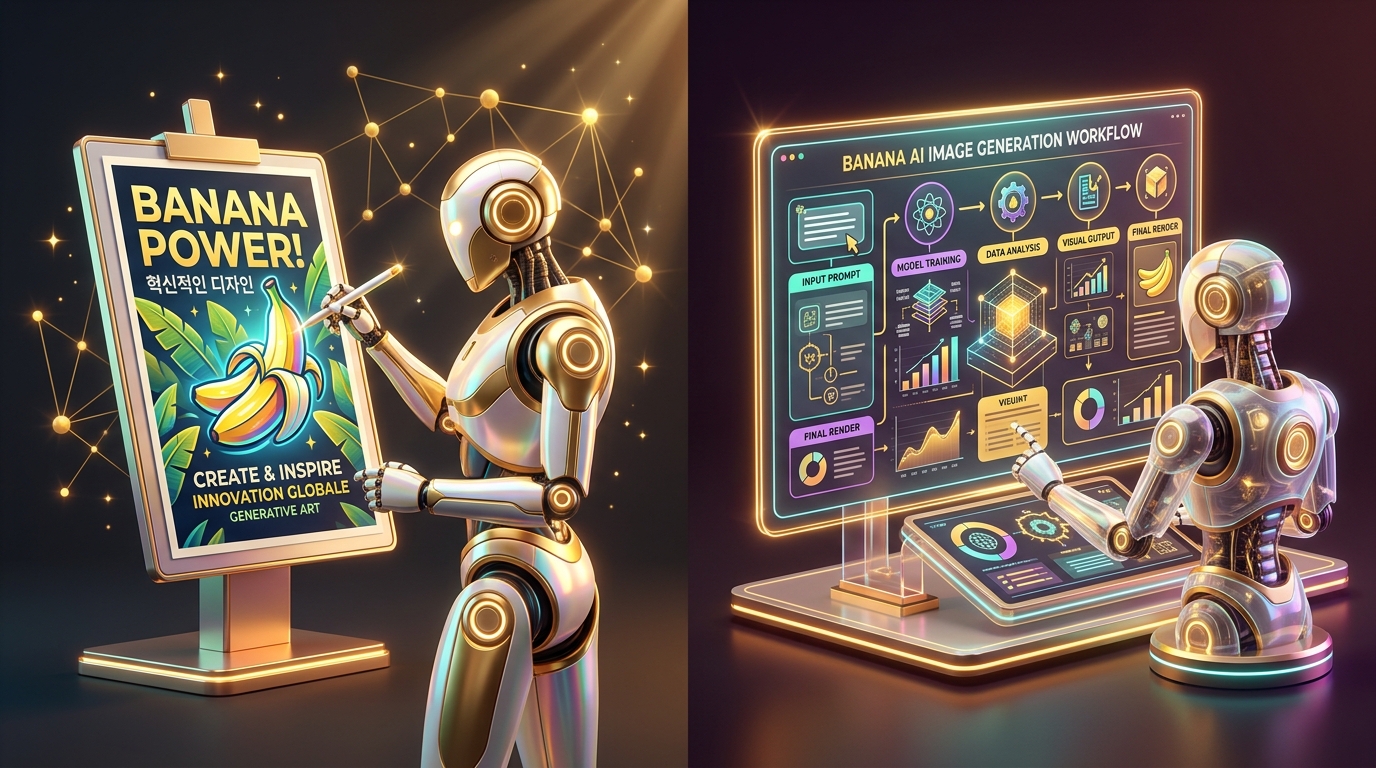
On October 6th, like half the copywriter chats out there, I discovered once again that the model I’d been using a month ago was no longer the same. Google quietly rolled out Nano Banana 2.1—and this is one of those cases where "quietly" doesn't mean "insignificantly." In just one week, three things happened: a new model was released, the old version was disconnected from the API, and free access to Gemini was noticeably restricted. I’ll break down what matters for you personally if you create images for social media, product listings, or presentations.
What exactly changed on October 6th
This isn't just a cosmetic update for the sake of a version number. In practice, it means one thing: tasks that previously required three or four attempts to rephrase a prompt now often work on the first try—especially if the frame needs to include text or a complex composition with multiple objects.
Why old Nano Banana guides no longer work
This is where I’ve built up some frustration that I want to share. In parallel. As a result. If you learned how to write prompts using last year’s articles or videos, forget half the advice about "magic keywords"; they were tailored for an architecture that is no longer publicly available.
The practical takeaway is simple: before saving another "perfect prompt" from a list, check the publication date. The difference between Nano Banana, Nano Banana 2, and 2.1 isn't just a firmware update; they are effectively three different models with different behaviors.
Where 2.1 is actually useful, and where it makes no sense to overpay
In practice, the difference between versions is felt in three scenarios:
- Small text on an image. Packaging labels, signs, and infographics with multiple text blocks—this used to be a lottery, but now the chance of getting a readable result on the first try is significantly higher.
- Multilingual layouts. If you need to combine Russian and English text in a single banner, 2.1 is less likely to "break" the Cyrillic font—a significant plus for CIS audiences.
- Quick edits via description. Changing a background, clothing, or a character's pose with a text command—the very feature that made people fall in love with the model in the first place—has simply become more accurate and cheaper here.
However, for complex multi-layered layouts and dense infographics, it is still wiser to use the flagship. My personal rule of thumb: if the task is to quickly whip up a series of images for social media or product cards, 2.1 will handle it and cost less. If it’s a final advertising layout with small text intended for print or a large banner, pay for Pro and don't skimp on the rework.
What to do about this right now
The main takeaway I got from this update is that the Nano Banana line is no longer a single model but has turned into a whole family with different purposes. You can no longer navigate by the old principle of "I'll just open Nano Banana"; you need to consciously choose between 2.1 and Pro for a specific task, rather than acting out of habit.
If you want to try the current version without dealing with access issues and limits, Nano Banana 2.1 and other image generation models are already available in GEMERA AI via our Telegram bot and web dashboard—you can compare versions on your own tasks and decide which one you actually need.