Dynamic Workflows in Claude Code: How AI Now Manages Hundreds of Agents in Parallel
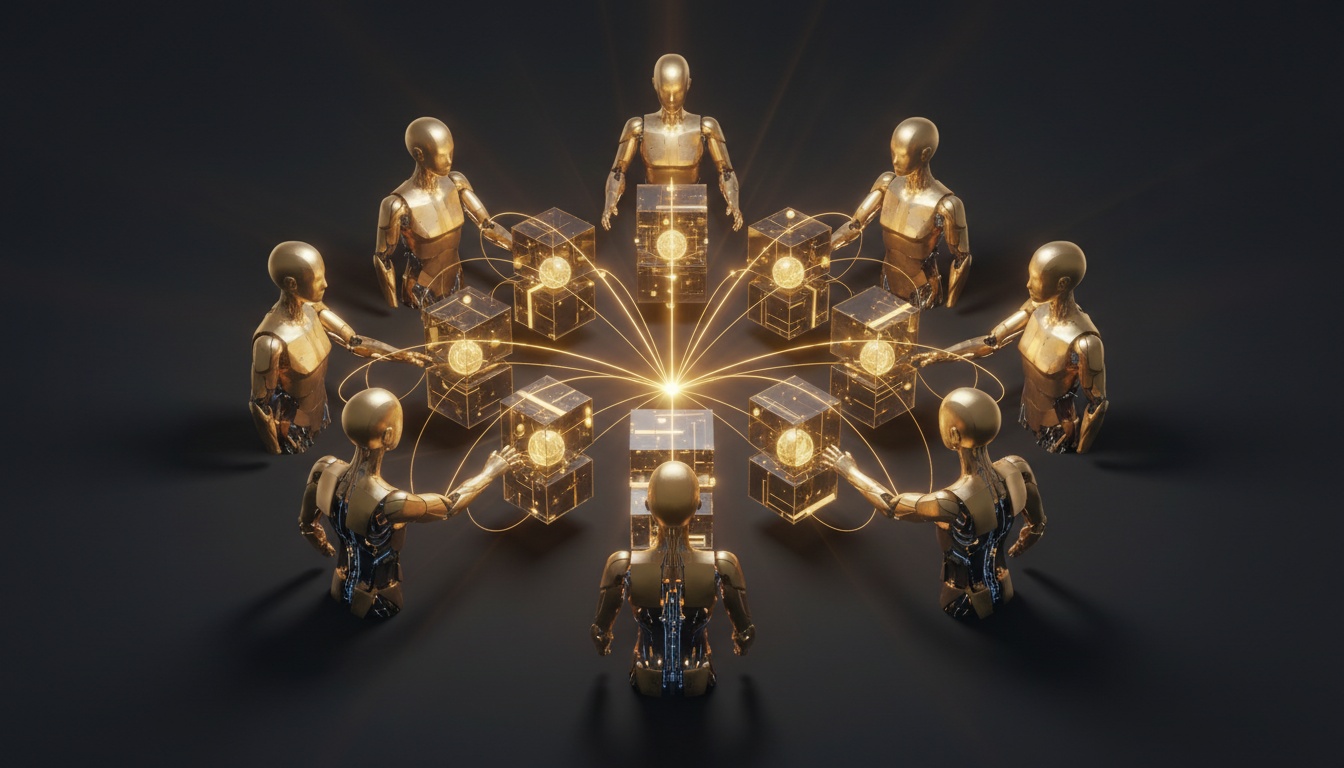
Anthropic has introduced Dynamic Workflows for Claude Code — the model can now independently write an orchestration script that launches anywhere from dozens to hundreds of parallel sub-agents in a single session, verifying their work before the results reach the user. The company's vision is that large-scale tasks — such as migrating code across hundreds of files or performing end-to-end bug hunting throughout an entire service — should be completed in days rather than quarters.
How Dynamic Workflows Work
The main difference from previous sub-agents lies in scale and verification. Claude breaks a task down into sub-tasks and distributes them to agents working in parallel. Afterward, other agents attempt to refute the findings, and the process repeats until the answers converge. This is how the mode achieves results that would be impossible in a single pass.
Progress is saved along the way — if a task is interrupted, it resumes from where it left off rather than starting over. Coordination happens outside the chat interface, so the plan remains intact regardless of how large the task grows.
Where to Use Dynamic Workflows
Anthropic highlights several scenarios where the mode has already proven effective:
- Bug hunting across the entire codebase. Claude searches for issues in parallel and then runs an independent verification for each finding — only real bugs, not false positives, make it into the report.
- Large-scale migrations. Replacing frameworks, migrating to a new API, or porting to a different language — tasks involving thousands of files can now be completed from start to finish.
- Critical decisions with double-checking. When the cost of error is high, the workflow gives Claude multiple independent attempts to solve the task, then launches agents to try and break the result before a human ever sees it.
- Security audits. Checking authorization, input validation, and searching for insecure patterns — all of this can be run across the entire repository in a single execution.
How to Enable and What to Consider
Dynamic Workflows are available in research preview via the CLI, desktop app, and VS Code extension for Max, Team, and Enterprise plans. For Enterprise, the mode is disabled by default — an administrator must activate it in the Claude Code settings.
You can enable the mode in two ways: by asking Claude to create a workflow directly or by activating the new ultracode setting in Claude Code, which cranks the effort level to the maximum and allows the model to decide for itself when a task requires deploying agents. Before the first run, Claude Code displays exactly what it intends to do and requests confirmation.
Anthropic explicitly warns that Dynamic Workflows consume significantly more tokens than a standard Claude Code session. The company advises starting with small tasks to understand the scale of consumption.
Real-world Case: Porting Bun from Zig to Rust
The most prominent illustration of the mode's capabilities was the rewriting of the Bun engine. Project creator Jarred Sumner used Dynamic Workflows to port Bun from Zig to Rust: approximately 750,000 lines of code, a 99.8 percent pass rate for existing tests, and eleven days from the first commit to the merge.
One workflow mapped data types between the languages, while another rewrote files, utilizing hundreds of agents with two reviewers assigned to each file. Afterward, a separate edit cycle ran builds and tests until a clean result was achieved. An overnight workflow then identified unnecessary data copies and opened a pull request for each — for final human verification.
However, it is worth keeping the flip side in mind. The migration sparked debate in the community: critics pointed out that some tests were adjusted to fit the new version, and bugs appeared in the tracker that were not present in the original Zig implementation. The impressive 99.8 percent figure is not a guarantee of identical behavior, but rather an indicator of how far automated migration can be pushed.
What This Changes for Teams
Dynamic Workflows shift the boundary between tasks that can be delegated to AI and those that require a human. Migrations, refactoring, vulnerability scanning, and code audits — all of this can now be run in the background, with verified results delivered in a few hours or days.
For developers, this means a transition from writing code to defining goals and verifying results. For teams, it offers the ability to clear technical debt and execute large-scale refactors that were previously postponed due to the sheer volume of work.
Dynamic Workflows are already available in Claude Code. You can try the mode via GEMERA AI — all current Claude models, including Opus 4.8, are available in our Telegram bot and web dashboard. Launch a workflow, test it on real tasks, and see how parallel agents handle your projects.