ElevenLabs vs. Suno for Vocal Music Generation: Which to Choose in 2026
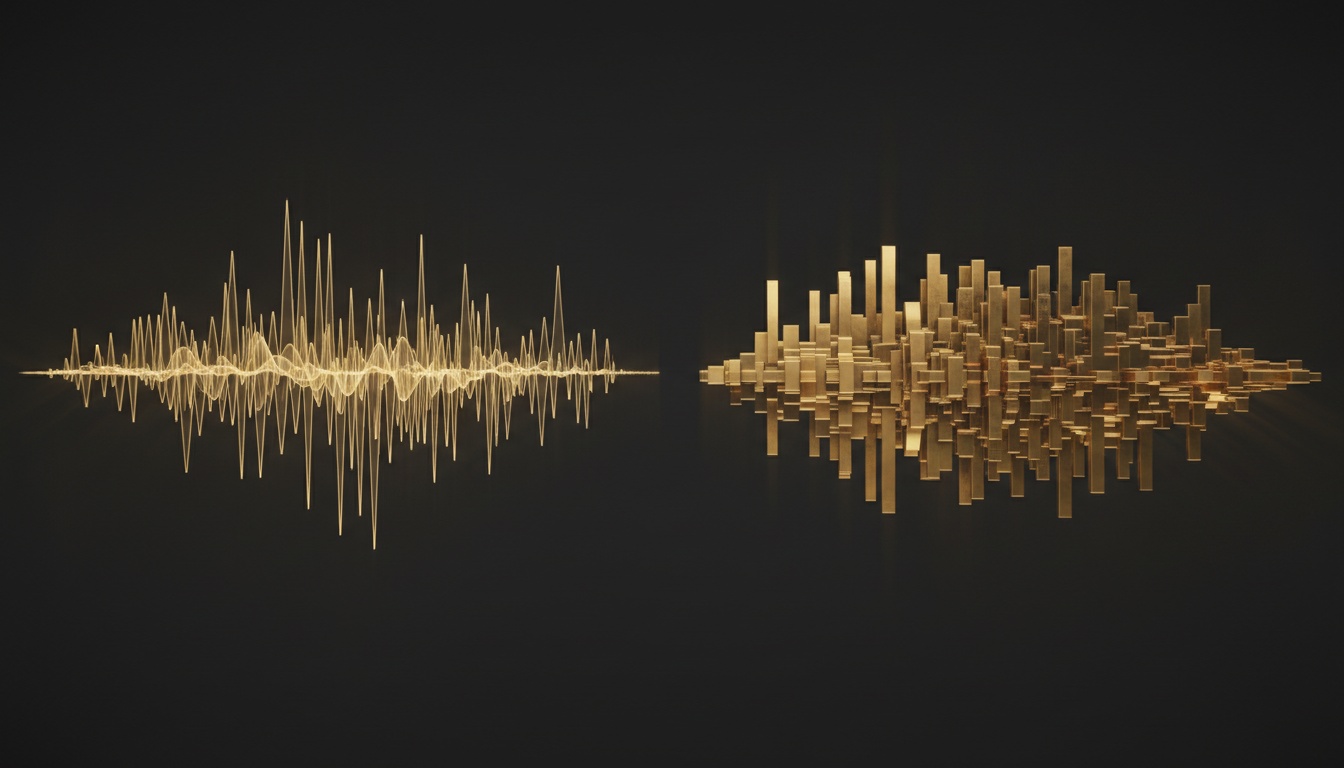
In early June, ElevenLabs added music generation with vocals—a feature previously exclusive to Suno. Now, both platforms can create full-fledged songs from text descriptions. However, their approaches differ, as do their results. Let's break down in practice which model works better and how to bypass common issues.
What both platforms can do
Both ElevenLabs and Suno generate music with vocals from a text prompt. You describe the genre, mood, instruments, and specify the voice type—and receive a finished track. Both models support Russian in queries, but the quality of Cyrillic processing varies.
ElevenLabs originally specialized in speech synthesis. Its audio generation module is built on an architecture that excels at articulation clarity and natural intonation. When the platform added a music module, it carried over that same approach: an emphasis on the vocal component, micro-expressions in sound, and emotional markers.
Suno, conversely, grew from a musical background. Its strength lies in instrumental development, composition structure, and the ability to assemble verses, choruses, and bridges into a cohesive whole. Vocals here are secondary, and it shows.
Where ElevenLabs wins
If you need a song with clean, expressive vocals, choose ElevenLabs. The model handles Russian-language queries excellently and generates speech without a noticeable robotic accent. You can include emotional markers directly in the prompt: whisper, sigh, laugh, pensive—and the algorithm will account for this during synthesis.
The Enhance feature further polishes the sound, removing artifacts and leveling the volume. If you need a clean female voice with light vibrato or rhythmic rap with precise articulation, ElevenLabs will outperform its competitors.
Another plus is the ability to train the model on your own voice. You upload a 15-second audio clip, and the system creates your vocal clone. This is convenient for voiceovers, podcasts, or personalized content.
Where Suno is stronger
Suno handles instrumental music and composition structure better. The model understands section tags: [Verse], [Chorus], [Bridge], [Outro]—and assembles them into a full song with logical transitions.
If you need background music without vocals, Suno will deliver a dense, well-developed instrumental. The model consistently reads prompts structured by the formula: genre → mood → instruments → BPM → vocals. Short instructions within each section work better than long paragraphs.
For Russian-language vocals, Suno requires additional guidance. Include "Russian female vocal" or "male voice, clear articulation" at the beginning of the prompt—this will reduce the likelihood of a robotic accent. However, getting rid of phonetic artifacts entirely is more difficult than in ElevenLabs.
How to write prompts correctly
Both platforms love order. Start with the genre and emotion, then specify the instruments and vocals. For ElevenLabs, add emotional markers and specify the vocal language at the very beginning. For Suno, use section tags and write brief instructions within each section.
If you need an instrumental composition, be sure to specify "instrumental only"—this will remove vocal layers. If, conversely, speech is important, describe the voice type, timbre, and diction as detailed as possible.
What to choose in practice
For projects where vocal clarity and natural intonation are critical, choose ElevenLabs. It is the ideal option for voiceovers, podcasts, and personalized content. The model processes Russian excellently and produces minimal robotic artifacts.
For creating full-fledged songs with complex structures and developed instrumentation, use Suno. The model handles compositional logic, transitions between sections, and background music better.
If you want to test both models and other sound generation tools, try them in GEMERA AI. The platform provides access to various neural networks through a single interface, allowing you to compare results on your tasks without multiple registrations.