Google Releases Nano Banana 2 Lite and Omni Flash for Images and Video
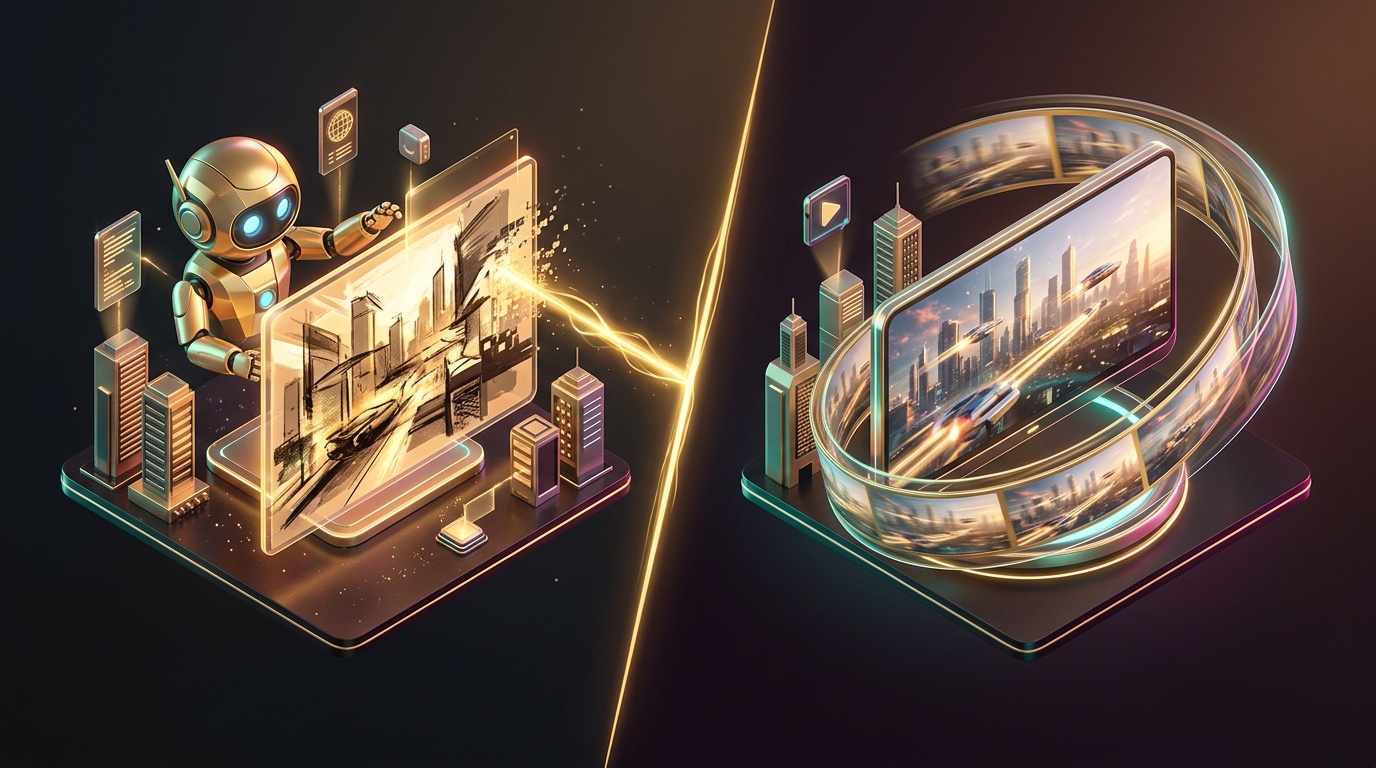
While everyone was busy discussing the new versions of GPT and Claude, Google quietly rolled out a couple of models specifically for those who create images and videos for business and social media. We are talking about Nano Banana 2 Lite and Gemini Omni Flash—a lightweight image generator and a model for video with conversational editing. We break down what they are, why they matter, and whether they are worth your attention in a simple Q&A format.
What exactly is Nano Banana 2 Lite?
It is the new, fastest, and most budget-friendly model in Google's Nano Banana image generator lineup. Simply put, it is an "assembly line" version for when you need to quickly churn out dozens of image variations rather than squeezing out one perfect frame.
It is not a "stripped-down toy," but a functional tool for drafts.
And what is Gemini Omni Flash—is that for images too?
No, it is for video. Simply put, you describe a scene in words and then edit it using words as well: "make it cloudy," "swap the product for another one," "change the camera angle."
Conversational editing is the model's main feature.
How does this differ from the familiar Nano Banana Pro and Veo?
It is important to understand the hierarchy here. Google now has several "weight classes" of models for different tasks:
- Nano Banana 2 Lite — speed and volume, for drafts and mass testing of variations;
- Nano Banana 2 / Pro — higher-quality generation for final results and complex scenes;
- Gemini Omni Flash — video with conversational editing;
- Veo 3.1 — remains a separate option for more cinematic and longer videos.
In terms of price, the new model does not directly beat the competition; it is on par. The difference lies not in the cost, but in the convenience of making edits without starting from scratch.
Can these models be used together—image plus video?
Yes, and that seems to be the most interesting part of the release. You can stamp out draft images, choose a successful one, and then turn that specific image into a video—without wasting money and time on a video that wouldn't have worked anyway.
Google has even created demo applications to show this in practice. Another example is a convenient scenario for product cards and advertising creatives.
What are the pitfalls?
The video model is still raw, and Google does not hide that. So, it is a perfectly viable option for ads and social media, but it is a bit too early for "premium" brand video.
Another point: both models label their output. This is something to consider if you are creating content for clients and want to be transparent about the origin of the image or video.
Should you try it right now?
If you frequently run dozens of image variations for ads, ad testing, or product cards, Nano Banana 2 Lite saves both time and money due to its speed and low generation cost. Keep Omni Flash on your radar as a tool for short clips with quick edits via dialogue, rather than as a replacement for full-scale video production.
Both models, as well as other popular neural networks for text, images, and video, are available in GEMERA AI via our Telegram bot and web dashboard—no need to jump through hoops with VPNs or regional restrictions. Check it out, try the "image → video" workflow for your tasks, and share your results.