Google Releases Nano Banana 2.1, Bringing Flash Models Closer to Pro Performance
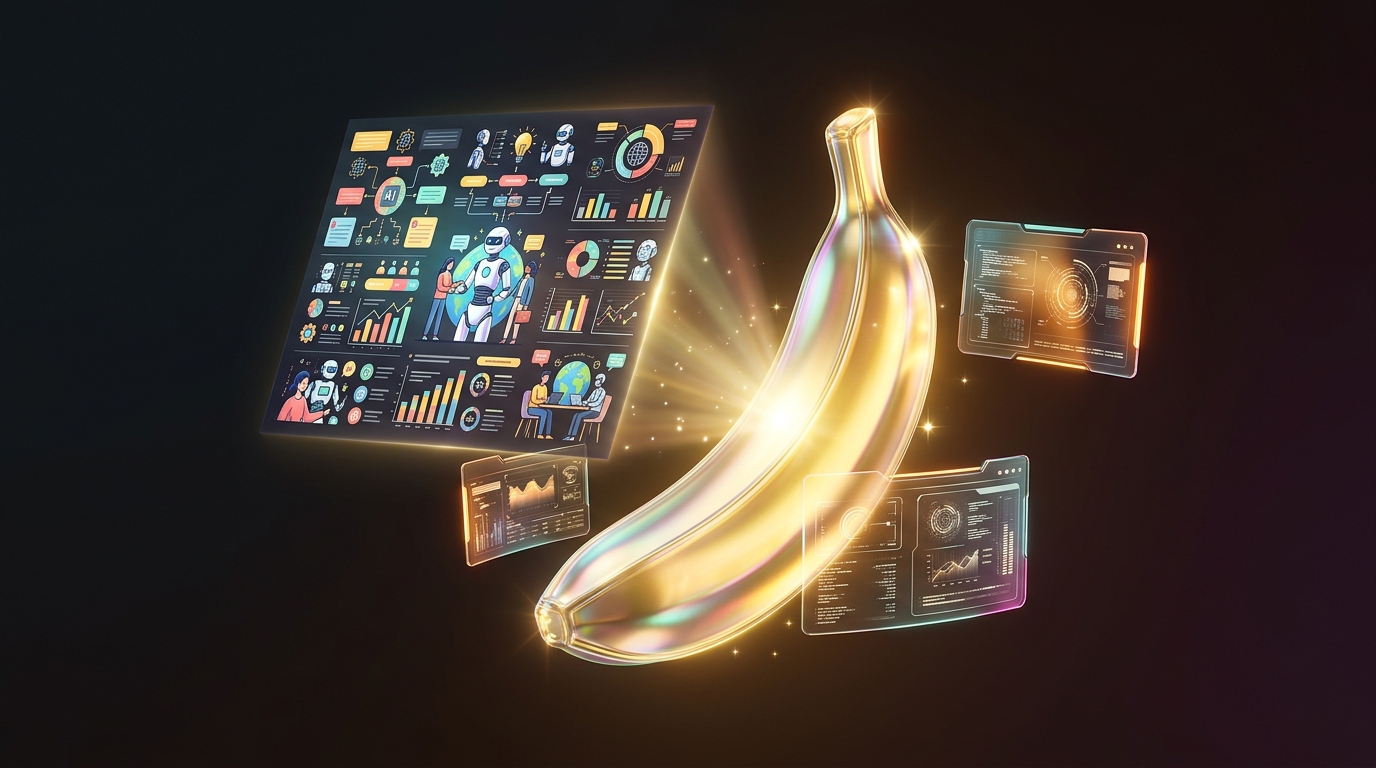
Until recently, creating dense infographics or banners with a dozen characters required choosing an expensive flagship model. Google has decided to bridge this gap: on October 6, the company released Nano Banana 2.1, a new version of its image generation and editing model based on Gemini 3.6 Flash. We explore what's new and put together a practical checklist for a specific task—a multilingual advertising banner with infographics and multiple characters.
What's changed in Nano Banana 2.1
The main improvements announced include visual design, precise mask-based editing, and character consistency across edits. The model accepts up to 14 reference images and maintains a consistent look for at least 4 characters and 10 objects. Three levels of "thinking" before generation have been introduced: minimal for quick drafts, high for dense infographics and complex compositions, and medium, which is set by default.
It is also worth noting the improvements in search functionality: Nano Banana 2.1 adds Google Image Search Grounding integration alongside web search, meaning it can rely on up-to-date data and real images when building a scene. This is convenient for cards with "live" figures, such as exchange rates, weather forecasts, or current product specifications. Developers have also fixed an old bug: tiling artifacts on wide and panoramic aspect ratios (1:4, 4:1, 1:8, 8:1) at 2K and 4K resolutions are now resolved, which is critical for banners and stories.
According to Google's internal tests, the model showed the most noticeable improvement in the consistency of multiple characters simultaneously—a key metric for any advertising series where a character must look identical across different frames.
Checklist: Multilingual banner with infographics and characters
Here is a step-by-step plan to assemble such a banner from brief to final file:
- Formulate the brief in a single prompt. Describe the scene, characters, text blocks in the required languages, and the overall style—the more detailed you are, the more accurately the model will plan the composition.
- Upload references. Use up to 14 images: separate references for character appearance, clothing, logos, and background textures—the model will combine them into a single scene while maintaining the recognizability of each element.
- Enable a high level of "thinking." For dense infographics or scenes with multiple characters, set a high thinking level—the model will spend more resources on composition logic and text placement.
- Connect search if the banner contains current data. For exchange rates, weather, or current product prices, the model can verify live data via web and image grounding instead of relying on outdated training "knowledge."
- Choose a wide format in advance. If the banner is horizontal or panoramic, specify the aspect ratio in the prompt—tiling on these formats is now fixed, but you still need to clearly define the focal point.
- Generate in 2K or 4K if there is text in the frame. At 1K, small text may appear blurry, and infographics and labels require clarity.
- Check each text line separately. Even with clear improvements in text rendering, it is worth looking at the final image at the scale in which it will be used—a neat thumbnail sometimes hides an extra letter.
- Perform precise edits using masks. If you need to change only a button color, background, or a single label, use masked editing rather than regenerating the entire scene.
Where the model still struggles
Google honestly points out the weak spots: small and long text can still be blurry, character appearance is not always perfectly preserved, and spatial relationships like "left/right" are sometimes misinterpreted. Therefore, for complex layouts with a lot of small text or strict geometry, you may still need a slower and more expensive flagship model version—it handles the most demanding tasks more accurately, although it lags behind in speed and price.
The bottom line
Nano Banana 2.1 is not a revolution, but a precise upgrade to a workhorse: faster, cheaper, and more attentive to detail than the previous version, with real gains where you previously had to overpay for a flagship. For serial content—banners, cards, and advertising visuals with characters—this significantly expands capabilities without increasing the generation budget.
If you want to try such scenarios in practice, check out the image generation model section at GEMERA AI—there you can compare available tools and find the one that fits your specific task: from a simple banner to complex multilingual infographics.