Ideogram learns to preserve details during multiple edits of product photos
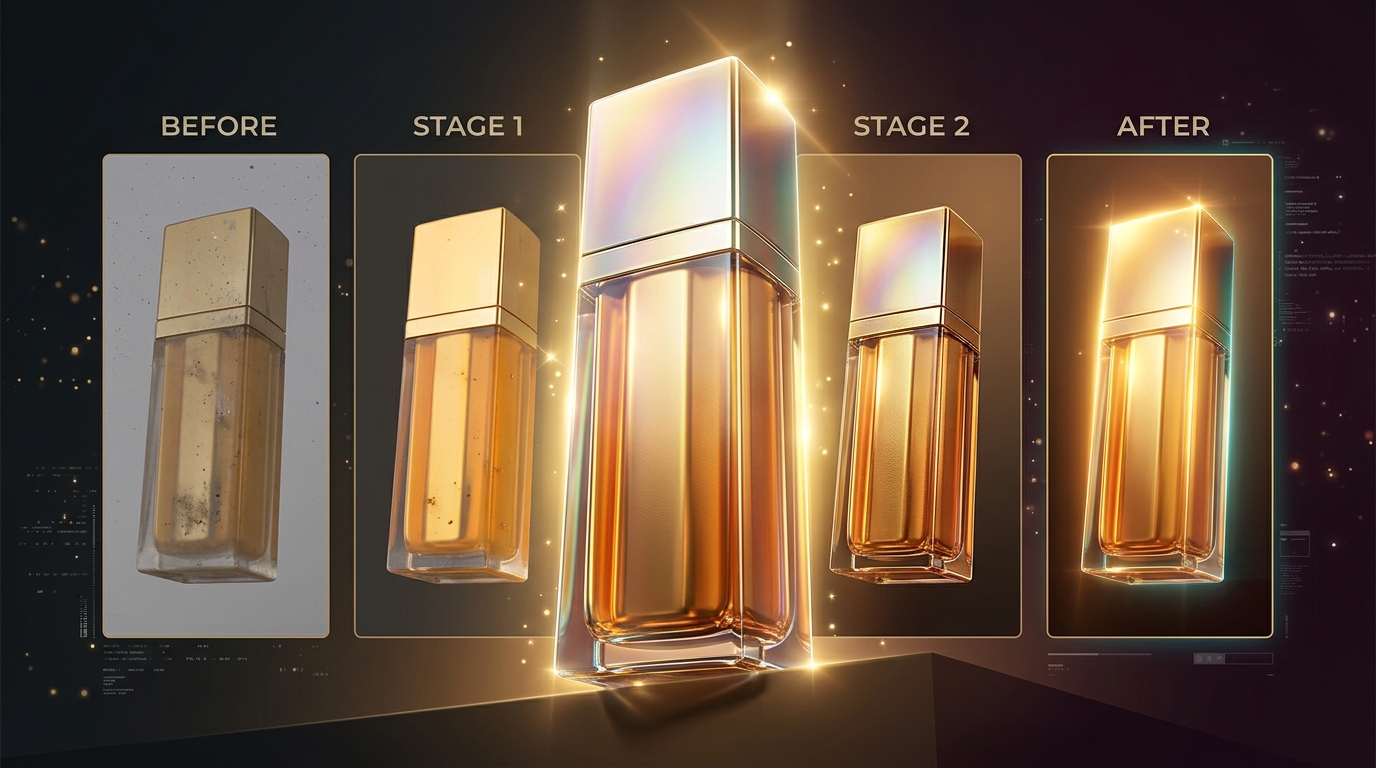
You know the situation: you create a product listing, the client asks to change the background color, then move the product to the left, then remove a glare—and after the third edit, the photo no longer has the same texture, the color has shifted slightly, and the edges have blurred. This isn't a bug in a specific tool, but a systemic problem with almost all image generators. And now, it finally has an official solution.
What is 'edit drift' and why is it so frustrating?
When you edit an image with an AI multiple times in a row, each new edit affects more than just what you asked to change. For product photography, this is especially painful: the slightest shift in the shade of the packaging or the texture of the material—and the listing no longer matches the actual product, which is a direct path to returns and complaints on the marketplace.
The Ideogram team has tackled this problem head-on.
What has changed in Ideogram 4.5
The model didn't launch yesterday, but the discussion and analysis have really heated up in recent weeks. The company itself calls it a breakthrough, and this isn't just empty marketing:
In practice, this means a list of applications that are essential for product listings and visual content:
- Product photography — adjust the background, lighting, or angle without touching the product itself
- Interiors and architecture — remove an unnecessary object without shifting the composition
- Restoration of old photos — consistently clean up defects without losing sharpness
- Text on images and translation of labels — for packaging tailored to different markets
It is worth noting the technical side: it supports high resolution, which is already sufficient for most marketplace listings and social media without additional upscaling.
What it looks like in real work
Let's take a typical case: a product listing for a marketplace. First, you need to replace the background with a studio white one, then adjust the shadow under the object, then remove a glare on the packaging, and finally add light color correction to match the brand's style. In the old logic of generators, each of these four steps risked slightly changing the packaging itself—either the logo color would become colder, or the cardboard texture would become 'blurry.' With a model designed for multi-turn editing, the product remains itself from the first step to the last, and only what you actually requested changes.
This is especially noticeable in comparison with competitors in specialized rankings. For a highly specialized task—specifically multi-step editing without loss of quality—this is a worthy position, although in terms of pure generation from scratch, the model is not yet at the top:
Who will actually find this useful
If you manage marketplace listings, create visuals for advertising, or just frequently refine the same image based on client feedback, the absence of drift solves your main pain point. Previously, the alternative was either to generate from scratch with every edit (and lose consistency) or to manually retouch in a graphic editor. Now, you can have a step-by-step dialogue with the model, just like with a designer: 'remove this,' 'move that,' 'change the lighting'—and each time receive a predictable result without side distortions.
It is also worth keeping a practical detail in mind: it requires significant computational resources—so when processing listings in bulk, it is worth estimating the load in advance.
Instead of a conclusion
The problem of detail drift was the very detail that turned image editing into a lottery: the tool might be powerful, but the outcome was hard to predict. Ideogram 4.5 does not solve all generation tasks perfectly, but in the niche of sequential editing of product and commercial images, it is a noticeable step forward.
You can try similar models for your tasks—whether it's product listings, portraits, or complex stylizations—right in GEMERA AI: without installing extra software, in the familiar Telegram bot or web dashboard, where several image generators for different scenarios are immediately at hand.