How to Quickly Create an Ad Video with AI: A Step-by-Step Checklist
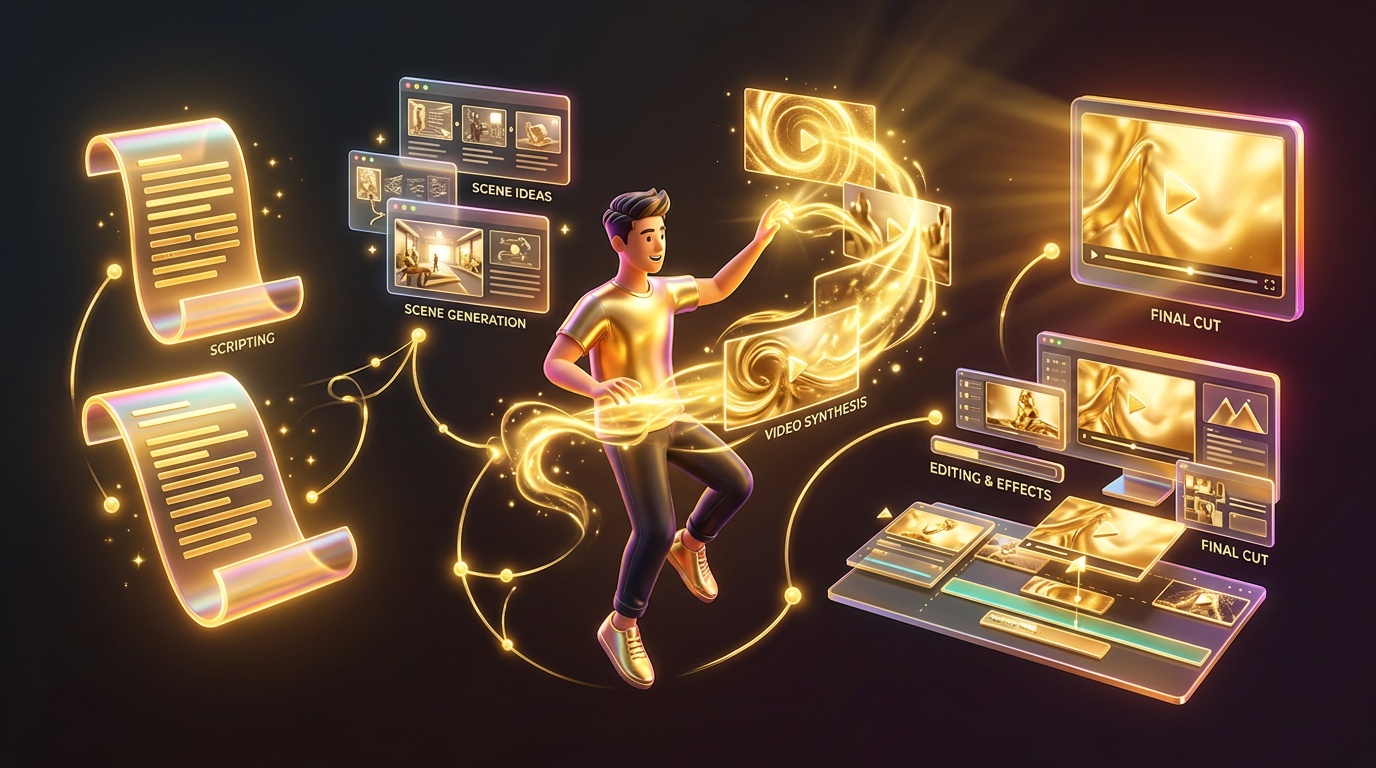
In an era where time is money, especially for small businesses and freelancers, creating ad videos with AI is no longer just an option—it's a necessity. But how do you turn an idea into a finished video product in just a few hours? This step-by-step checklist will help you do exactly that.
Step 1: Script Preparation
Start with a clear script. Use GPT models to generate ideas and refine your text. Spend 20–30 minutes creating a short but punchy script.
Step 2: Video Generation
For video generation, use models like Veo 3.1, which provides high image quality and a cinematic look. Break your script down into scenes and generate video clips for each one.
Step 3: Voiceover
Voiceover is a key element of any video. Use ElevenLabs or similar platforms for automated text-to-speech. This will allow you to get professional-grade audio in just a few minutes.
Step 4: Editing
Assemble the generated clips and combine them into a complete video. Basic editing can be done using accessible tools designed to automate the process.
Final Touches
Review the finished video, add any necessary captions and logos, and your video is ready for publication. The entire process takes about 2 hours, and the result will look professional.
If you are ready to integrate AI into your business, try these models via the GEMERA AI platform right now. This will help you take your first steps into the world of automation and increase your business efficiency.