How AI is Changing Photography: From Retouching to Scene Generation
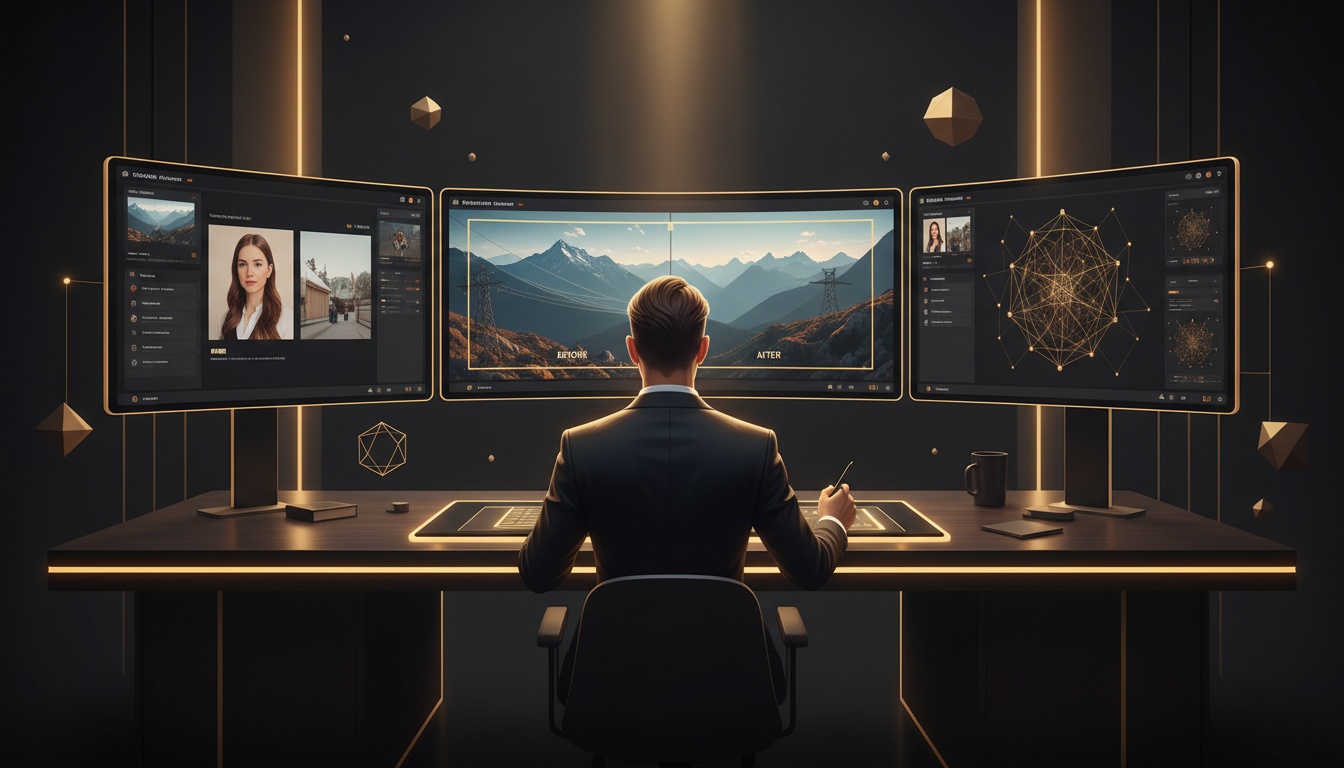
Photography has always been a story about technology: from film to digital, from manual retouching to Photoshop. Neural networks are the next evolution. They don't replace the photographer; they expand their capabilities by removing routine tasks, accelerating processing, and opening up scenarios that previously required a studio and a budget.
Models have learned to understand composition, light, and perspective. Now, you can expand a frame, replace a background, or remove an accidental object in seconds—without multi-layered masks or hours of work. We break down five tools that have already changed the photographer's workflow.
Frame Expansion: When Composition Needs More Space
Generative models have learned to build out images beyond the original frame. The technology is called outpainting—the AI analyzes the content of the shot and creates the missing parts while maintaining style, lighting, and perspective.
Practical scenario: a portrait is cropped too tightly, but you need a horizontal format for publication. Instead of reshooting, the model builds out the background—sky, wall, street—and the result looks seamless. This is especially useful for adapting content for different platforms: you can turn a vertical frame for Stories into a horizontal one for a post.
DALL·E, Midjourney, and Stable Diffusion support this feature. Quality depends on the detail of the source: the more information in the frame, the more accurately the model guesses the continuation.
Removing Objects: Cleaning Up Frames Without Photoshop
Previously, removing an extra wire, a random passerby, or debris from a shot required skills with masks and the clone stamp tool. Now, AI does it automatically: you select an area, and the model analyzes the surroundings and fills the gap with a texture that blends into the background.
Tools like Adobe Firefly, Photoshop Generative Fill, and ClipDrop use diffusion models for inpainting. They understand context: if you remove a person from grass, the model will create grass; if from asphalt—asphalt, taking lighting and shadows into account.
This saves time during the post-processing of commercial shoots. Instead of waiting for the perfect moment when there are no random elements in the frame, the photographer shoots the scene and then cleans it up in the editor in a minute.
Background and Lighting Replacement: A Studio in One Click
Neural networks have learned to separate an object from the background with a level of precision that previously required manual tracing. After segmentation, you can replace the background with anything—from studio white to a generated landscape—and the model will automatically adjust the lighting, shadows, and reflections.
Example: a portrait is shot in natural light outdoors, but the client needs a dark, dramatic background. The AI changes the environment, adds rim lighting, and adjusts the color temperature—the result looks as if the shoot took place in a studio.
This capability is offered by Runway, Photoshop Neural Filters, and specialized services like Photoroom. The technology is useful for e-commerce: product photos can be shot against any background and then adapted to marketplace requirements.
Generating References and Mood Boards
Before a shoot, a photographer usually collects references—examples of lighting, composition, and style. Neural networks accelerate this stage: instead of searching through stock photo sites, you can generate dozens of options for a specific task in minutes.
You describe the scene in text, and the model creates a visualization. This helps align the concept with the client before the shoot: instead of abstract explanations, you show concrete images. If something isn't right, you adjust the prompt and get a new version.
Midjourney, DALL·E, and Stable Diffusion are suitable for this task. The result doesn't replace the final shot, but it saves time during the preparation stage and reduces the risk of mismatched expectations.
Upscaling and Restoring Details
Old shots, low-resolution frames, compressed files—neural networks have learned to restore details lost during compression or shooting on a weak camera. Models analyze the image structure and build out textures without adding artifacts.
The technology is called super-resolution. It increases resolution by 2–4 times while maintaining clarity. This is useful for printing: a shot that was only suitable for the web can be scaled to poster format.
Topaz Gigapixel AI, Real-ESRGAN, and built-in Adobe tools use neural networks for upscaling. Quality depends on the source, but even heavily compressed photos can be improved to the point where artifacts become invisible.
How This Changes the Profession
AI does not replace the photographer's eye—a human still chooses the composition, the moment, and the emotion. But the technology removes technical limitations: now there is no need for reshoots due to an extra object in the frame, no need for a studio to change the background, and no need for hours of retouching to clean up a shot.
This shifts the focus from technical work to creative work. The photographer spends less time on routine and more on finding ideas, working with the model, and choosing angles. Neural networks are becoming an assistant that takes over post-processing.
All the mentioned models—image generation, frame expansion, object removal—are available in GEMERA AI. Try the tools that save hours of work and open up new possibilities for your photo projects.