How AI writes scripts for short videos: four steps from idea to editing storyboard
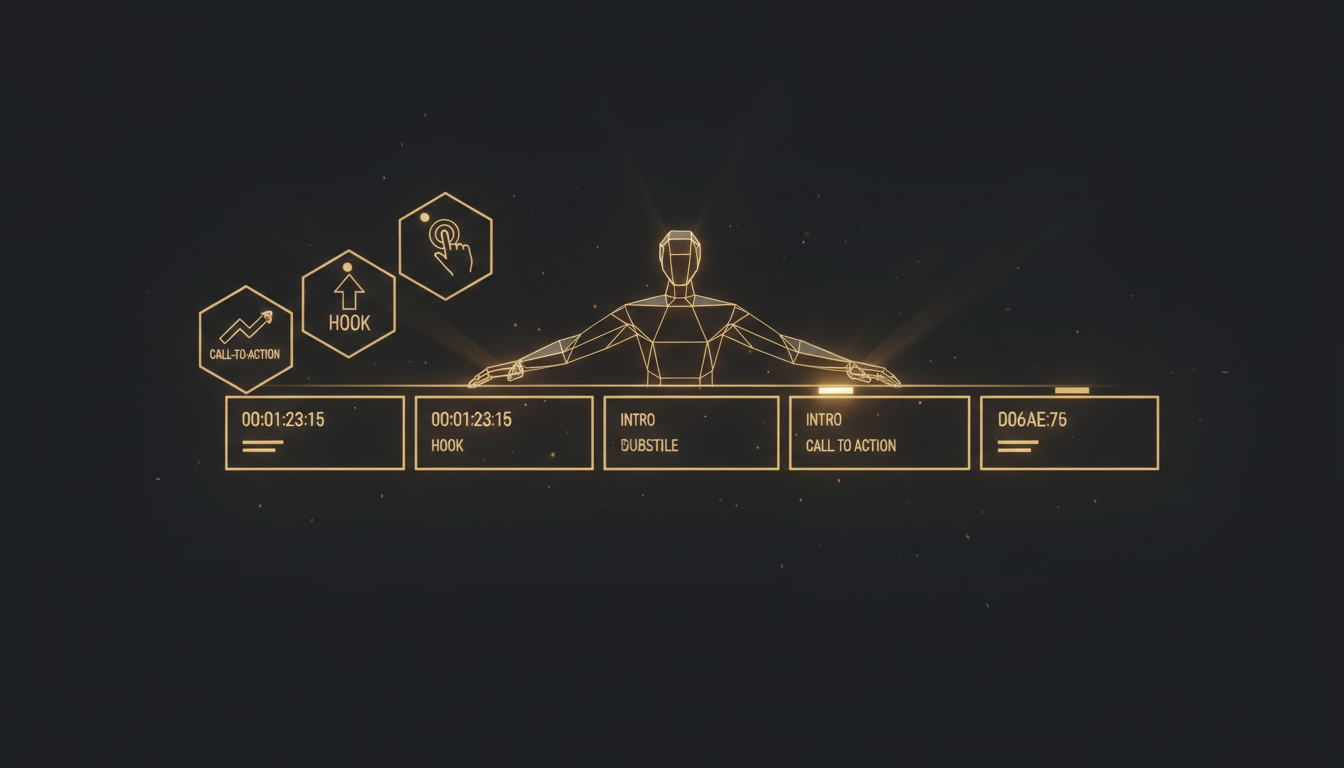
Short vertical videos are the foundation of content strategy on Instagram, TikTok, and YouTube Shorts. But coming up with a catchy hook, structuring the narrative, and breaking it down into shots is a task that takes an hour or more. GPT-4, Claude, and Gemini can handle this in just a few minutes if you provide the right prompt.
Below is a step-by-step algorithm on how to use AI to write a short video script. It is suitable for bloggers, marketers, and small business owners who manage their own social media.
Step 1. Define the topic and call to action
The neural network won't guess exactly what you want to tell the viewer or what action you expect from them. Therefore, the first prompt must contain three elements:
- The topic or problem — what the video is about.
- The target audience — who will be watching.
- The desired action — subscribe, click a link, send a DM, or remember the brand.
Example prompt: "Write a 45-second Reels script for small coffee shop owners. Topic: how to increase the average check without raising prices. Goal: subscribe to a channel with restaurant marketing tips."
The model will return a draft structure: hook, main body, and call to action. This is enough to move forward.
Step 2. Ask for three hook options
The first three seconds of a video determine whether the viewer will watch it to the end. A hook should be specific, provocative, or promise a quick solution to a problem.
Prompt: "Suggest three hook options for this script. Each should be one sentence, maximum eight words. The hook should spark curiosity or promise a benefit."
The model will provide several options. Choose the one that sounds natural for your audience and insert it at the beginning of the script.
Step 3. Break the script into shots with timecodes
Short videos are edited from several shots — fragments of 3–7 seconds. Each shot is a separate thought or visual accent. AI can automatically mark up the script into such fragments.
Prompt: "Divide this script into shots 4–6 seconds long. For each shot, provide a timecode, the voiceover text, and a brief description of what should be on screen."
The result is a table or list where the time, text, and visuals are specified for each fragment. This is a ready-made editing storyboard that you can hand over to a videographer or use yourself during filming.
Step 4. Add subtitles and highlights
More than half of users watch Reels and Shorts without sound. Subtitles are not an option; they are a mandatory element. Ask the model to highlight keywords that should be shown in a larger font or a different color.
Prompt: "Highlight three to four keywords or phrases in the text that should be shown on screen in a large font. These should be words that carry the main meaning of each shot."
The model will highlight phrases like "average check," "without raising prices," or "three ways." These accents will help hold the viewer's attention and improve the video's readability.
The final result
In 10–15 minutes of working with a neural network, you have:
- A structured script with a hook and CTA.
- A breakdown into shots with timecodes.
- A list of keywords for subtitles.
- A description of the visual sequence for each fragment.
All that remains is to film the material and edit it — or pass the storyboard to a contractor. This approach saves time during the preparation stage and reduces the number of revisions.
All the mentioned models — GPT-4o, Claude Sonnet, and Gemini 2.0 Flash — are available in GEMERA AI through a single interface. You can test each one with the same prompt and choose the style that suits you best. And if you need to voice over the finished script, the service includes text-to-speech tools with natural intonation.