How to Get a Photorealistic Portrait in 10 Minutes with GPT Image 2
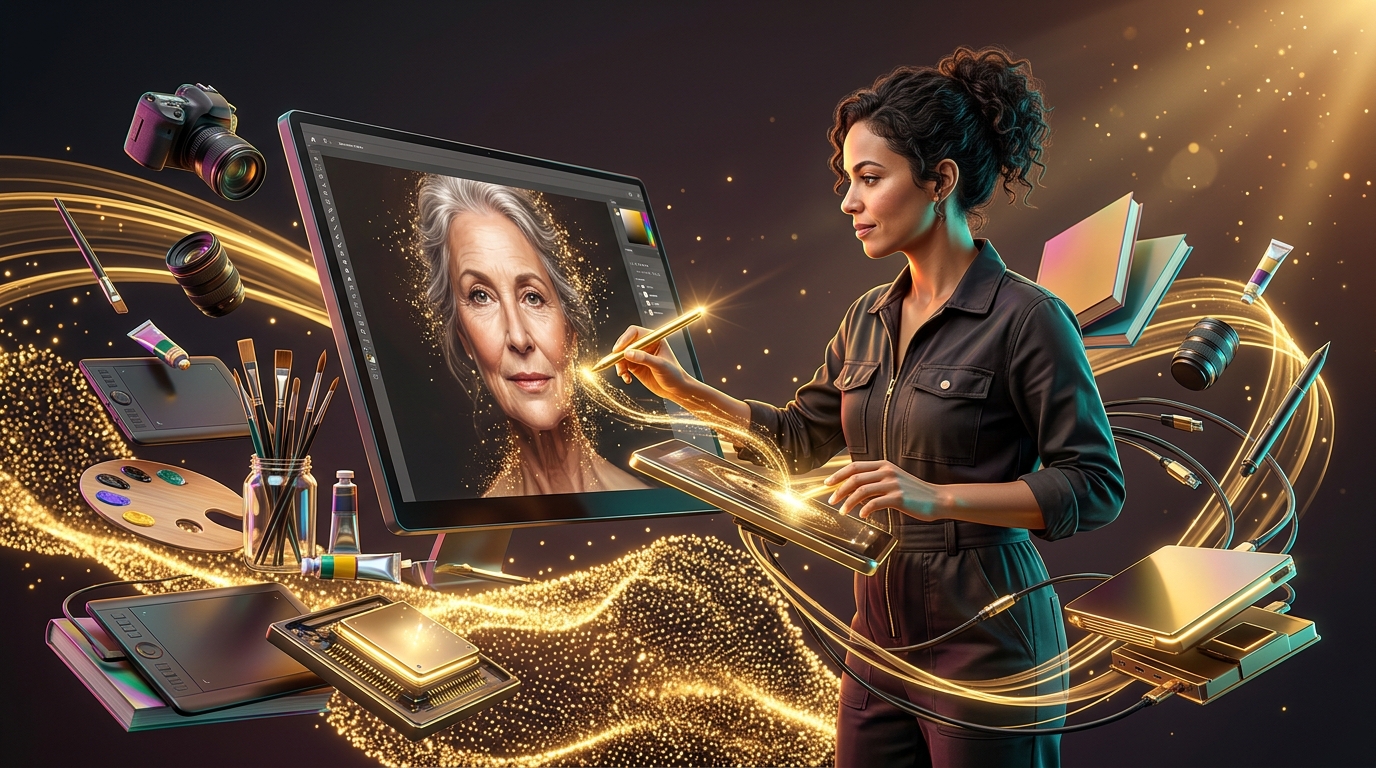
The recent release of GPT Image 2 by OpenAI has significantly improved the capabilities for creating photorealistic images. Now, even novice users can obtain high-quality portraits in a matter of minutes. This breakthrough is highly significant for designers, artists, and entrepreneurs who require a fast and high-quality solution for content creation.
Why This Matters for the Industry
Photorealistic portraits are in high demand across marketing, advertising, and social media. Traditional methods require significant time and financial investment. GPT Image 2 offers a fast and high-quality alternative approach, allowing users to avoid the "plastic" look and achieve realism through improved texture and shadow processing, as noted by Habr.
How It Changes the Creation Process
With the application of GPT Image 2, creating portraits has become not only faster but also simpler. The model accounts for crucial details: anatomical accuracy, lighting effects, and textures, making it ideal for achieving high-quality results. According to Neirochat, the model also supports Cyrillic text, which facilitates work with local brands and campaigns.
Steps to Get the Perfect Portrait
- Prompt Preparation: Define the core concept and draft a scene description with an emphasis on details such as facial expression or hairstyle.
- Model Selection: Use GPT Image 2, which specializes in textures and realistic shadows.
- Generation: Start the process and receive several variations, from which you can choose the most suitable one.
- Final Touches: Use editing tools to adjust lighting, shadows, and contrast.
These steps allow you to obtain an image suitable for publication or commercial use with a high degree of confidence.
Conclusion
The release of GPT Image 2 provides new opportunities for those striving for fast and high-quality creation of photorealistic portraits. Try using this model in GEMERA AI to evaluate its functionality in practice.