How to Assemble a Precise Collage in FLUX 3 Image in 10 Minutes
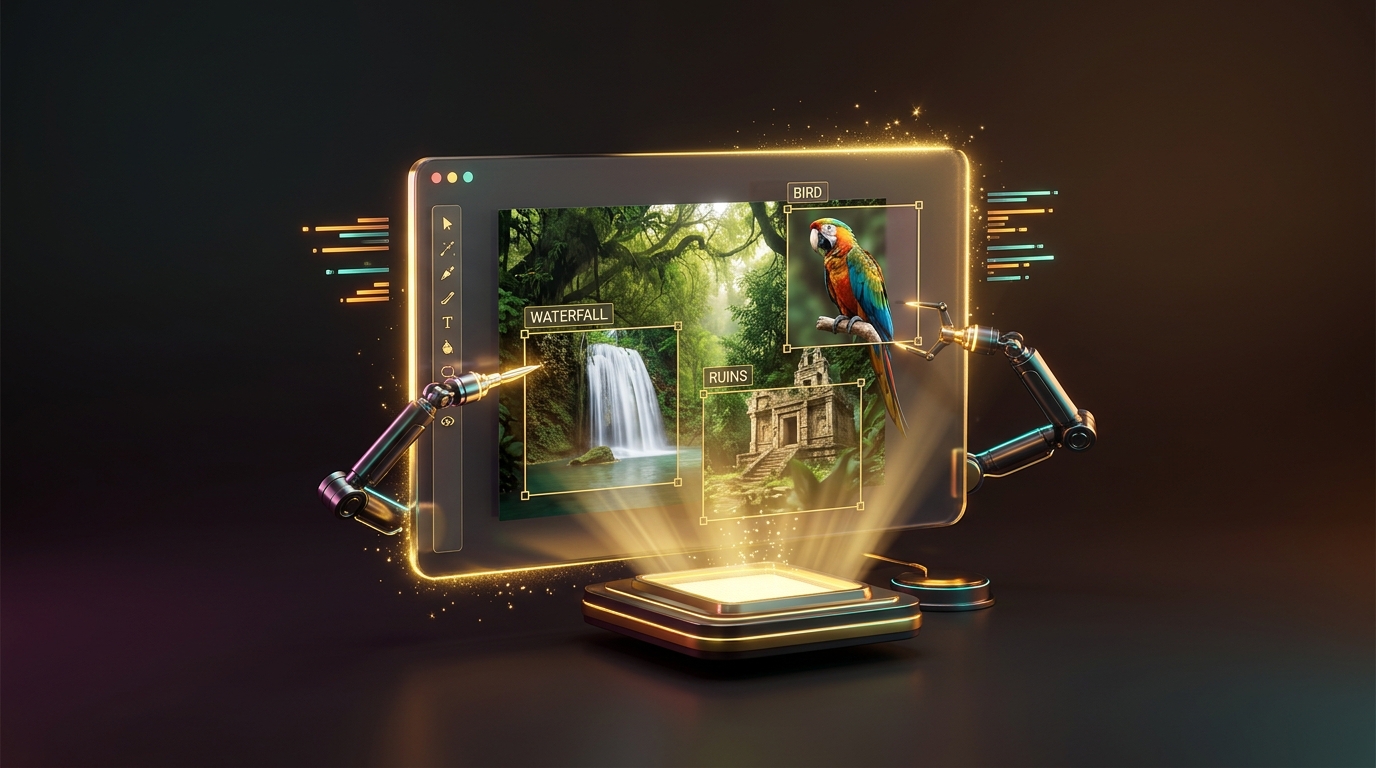
There is a specific genre of frustration: you ask an AI to fix just the background, and it decides to redraw the character's face, change their shirt color, and for some reason, add a second cat. Black Forest Labs, apparently tired of these support tickets, has released FLUX 3 Image — the image-focused component of their multimodal FLUX 3 family. The model's main trick is simple and refreshingly boring: it promises to touch only what you asked it to touch, and nothing else.
What is actually new in FLUX 3 Image
In short: the model supports text-to-image and reference-based editing, and you can provide multiple references—up to ten at once. This is no longer just 'draw me a cat,' but rather 'take the style from image 1, the pose from image 2, and the background from image 3.' The resolution has also increased: the model renders natively up to 4K, so fine details like fabric textures or text on signs don't turn into a blurry mess.
But the main feature is control via bounding boxes. Instead of describing the composition in prose and hoping the model understands you correctly, you literally place rectangles on a grid and label what should be inside each one. Want a dome on the left, a sign on the right, and a person in the center? Just set the coordinates. Composition is no longer a lottery.
Why this solves the old editing pain point
Previously, any AI photo editing felt a bit like your neighbors renovating their apartment: you ask them to wallpaper one room, and the whole place ends up repainted. FLUX 3 Image promises multi-step editing where untouched pixels remain literally unchanged at the data level—not just 'visually similar,' but numerically identical. In practice, this means you can make edits one by one without worrying that the tenth iteration will look nothing like the first.
This is especially useful for those preparing product cards, banners, or collages: you edit only the text on the label, and the background, lighting, and shadows stay exactly where they are. You don't need to regenerate everything from scratch every time and fish out a successful version from ten similar but non-identical results.
How it looks in practice in 10 minutes
Let's outline a realistic scenario for a beginner who doesn't have time to dig through documentation:
- Minute 1-2. Gather your references: product photos, a desired background or style, and a brand logo if needed.
- Minute 3-5. Upload them as reference images and describe in simple terms in the prompt what to take from where: 'background from image 1, product from image 2, add shadows like in natural lighting.'
- Minute 6-7. If you need a precise composition—for example, the product strictly in the center, text in the top corner—place the boxes manually in the playground or set the coordinates via text.
- Minute 8-9. Get the result and edit selectively: not the whole image, but a specific element inside one box.
- Minute 10. Export in the required resolution—medium is enough for social media, while for a website banner, you can choose a version closer to 4K.
No magic, just fewer random variables at every step—and that is exactly what saves time, rather than the mere sensation of speed without a real result.
What to keep in mind
The model is currently available via API and playground; there are no open weights for local execution yet—they are promised, but without a specific date. If it is important for you to run generation on your own hardware without the cloud, you will either have to wait or stick with previous FLUX versions for now. Another point: independent benchmarks have not yet published detailed quality metrics for FLUX 3 Image compared to competitors, so all claims of it being 'best-in-class' should be taken as marketing rather than the result of an independent test. The model is clearly strong in composition control and selective editing—but whether it will be definitively better in terms of photorealism or artistic expression will only be shown by practice and time.
In short
FLUX 3 Image does not reinvent image generation, but it solves a specific and familiar problem—the unpredictability of editing. Bounding boxes for composition and pixel-perfect edits are exactly the kind of details that turn an AI from a random generator into a professional tool. You can try FLUX and other current image generation models at GEMERA AI—without the hassle of API keys and environment setup, directly in the bot or web dashboard.