How to create a talking AI avatar in 10 minutes: a step-by-step checklist
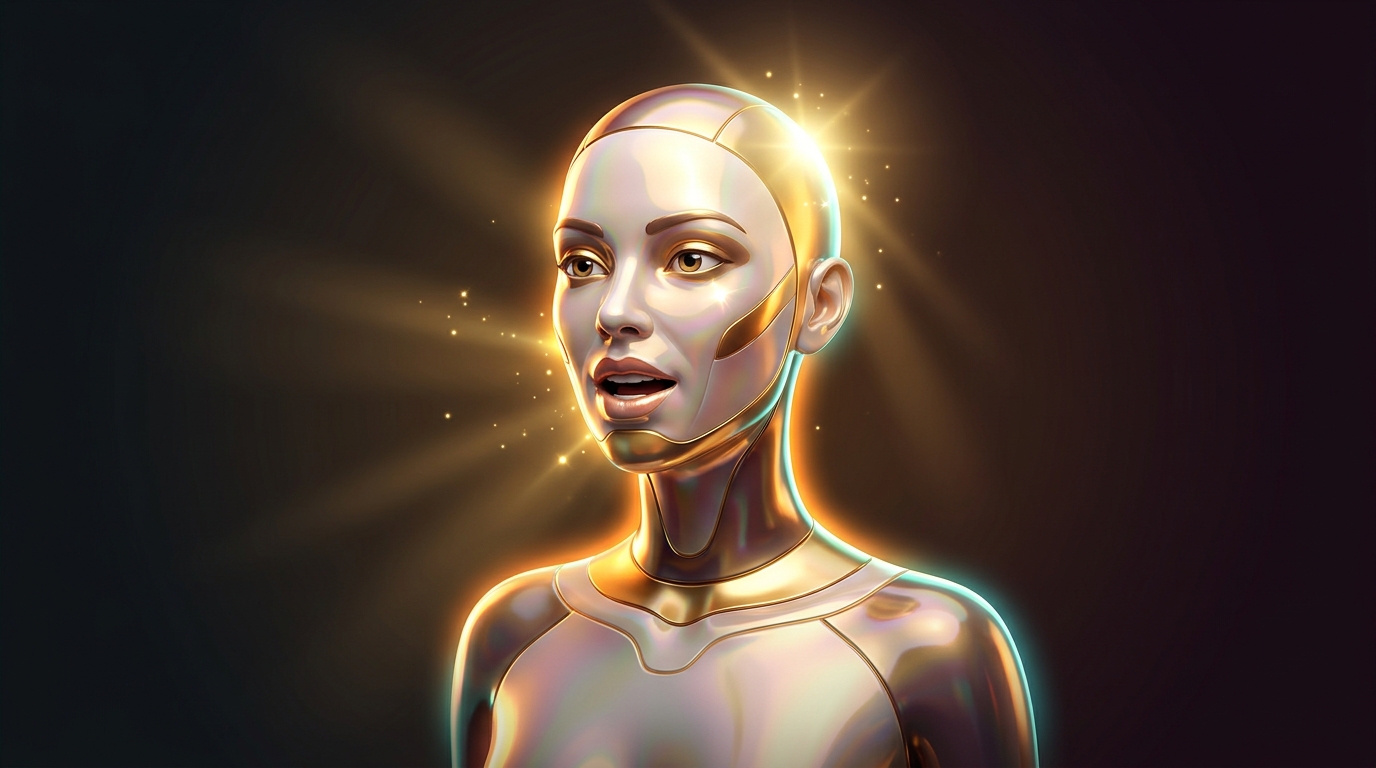
Preparing to create an AI avatar
With the development of neural networks, creating a realistic talking avatar has become an accessible and fast process. We have prepared a step-by-step checklist to help you create a digital persona in 10 minutes. Whether it is for a presentation or social media, you can quickly get a video featuring your avatar.
Step 1: Choosing the right model
There are several models on the market for creating avatars. Among them are HeyGen and Seedance 2.5 from Virale. HeyGen is suitable for a quick start when the avatar does not occupy the entire screen. Seedance 2.5 is better to use for videos that focus on dynamics and movement.
Step 2: Preparing source materials
- Photo: A clear image of your face, without any obstructions.
- Voiceover: For HeyGen — an audio file; for Seedance — a video file with sound on a black background.
Step 3: Adjusting parameters
For Seedance 2.5, it is important to set the video length according to the reference to avoid synchronization issues. HeyGen automatically adjusts the video length to the audio, which speeds up the process.
Starting generation
After configuring all parameters, start the generation. Seedance 2.5 offers additional flexibility in managing timecodes for more complex scenarios.
Quality control and finalization
Check the resulting output, paying attention to the details of movement and speech synchronization. Make adjustments if necessary and ensure the lip-sync is satisfactory.
If you are happy with the result, move on to more complex tasks with Seedance 2.5. To get started and understand the model's capabilities, try HeyGen.
Try creating an avatar using models from GEMERA AI and evaluate their capabilities in action.