How to Choose a Video Generator in 2025: Comparing Kling, Veo, Hailuo, and Seedance
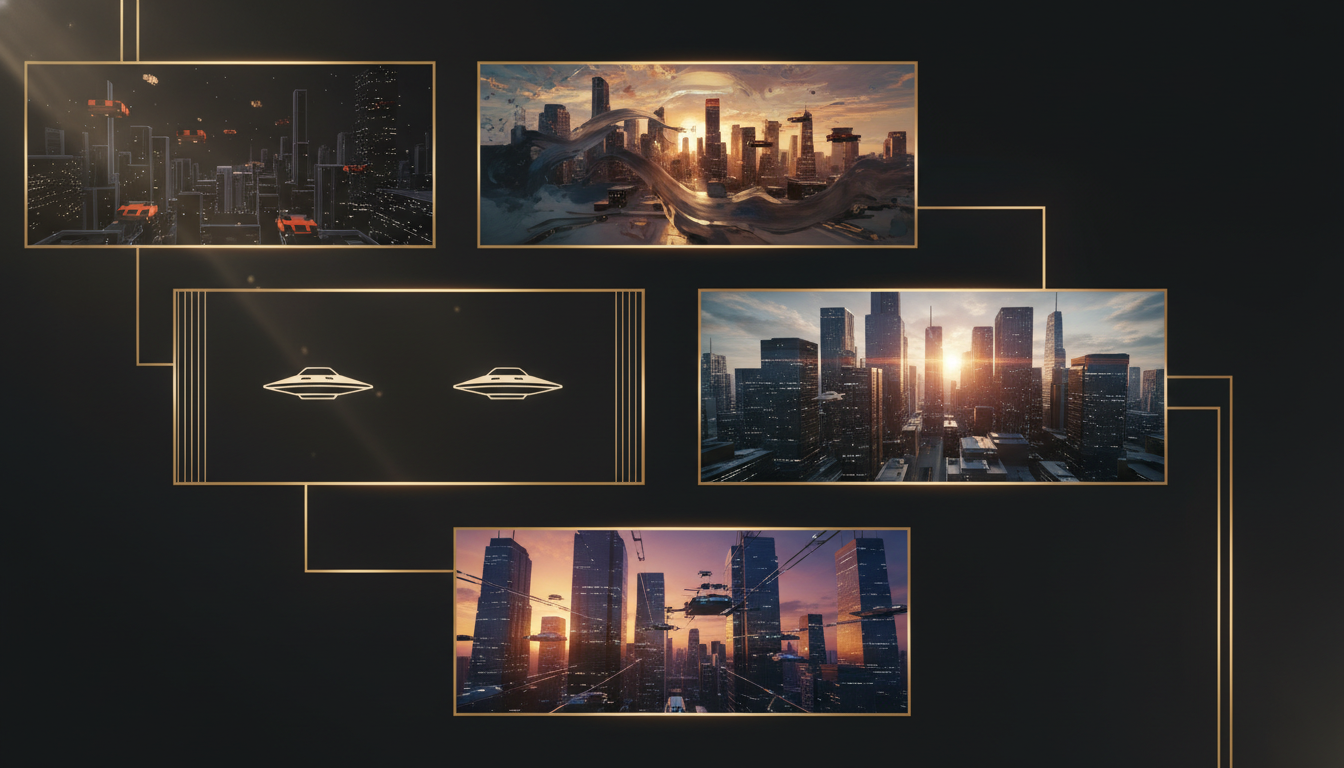
Over the past six months, Chinese and American companies have released a dozen video generation models. It is easy for a newcomer to get confused: some promise photorealism, others speed, and some precise prompt adherence. We break down how the five major players differ and which model to choose for a specific task.
Kling 1.6: The All-Rounder Focused on Motion
Kuaishou released Kling 1.6 in December 2024. The model topped rankings thanks to its high-quality motion physics and object stability within the frame. Kling handles dynamic scenes well—running, dancing, flying—and retains facial details during camera pans.
Who is it for:
- Commercials with active movement
- Social media content where visual impact is key
- Animation prototypes for presentations
The model generates clips up to 10 seconds long, supports reference image uploads, and works faster than many competitors. Its weak point is that it sometimes struggles with complex interactions between multiple characters.
Google's Veo 3: The Leader in Prompt Accuracy
Google introduced Veo 3 at the end of 2024. The model topped the Artificial Analysis leaderboard, surpassing Sora Turbo and Kling in its ability to interpret text prompts. Veo 3 conveys prompt details more accurately—clothing color, object placement, lighting—and rarely adds unnecessary elements to the frame.
When to choose Veo 3:
- You need maximum precision in visualizing an idea
- You are working on concept art or storyboarding
- Predictable results without multiple iterations are important
The model is integrated into the Google ecosystem and is available via VideoFX. Generation takes 1–2 minutes, with a clip duration of up to 8 seconds in the base version.
Hailuo MiniMax: Speed and Accessibility
MiniMax released an updated version of Hailuo Video 2.0 simultaneously with Kling 1.6. The model lags behind competitors in detail but wins in generation speed—a clip is ready in 30–40 seconds. Hailuo handles simple scenes well—a talking character, a static background, smooth camera movements.
Practical scenarios:
- Quick prototypes for client approval
- Generating background videos for presentations
- Content for testing marketing hypotheses
The model works via a web interface and Telegram bots. The limitation is a maximum of 6 seconds of video per request.
Wan and Seedance: Specialized Tools
Alibaba introduced Wan-1 with a focus on animating static images. The model takes a photo and brings it to life—adding eye movement, head turns, and gestures. It is suitable for creating avatars and animated portraits, but it struggles with complex scenes.
ByteDance released Seedream—a hybrid of an image generator and rigging software. The model creates an image with a ready-to-use animation mesh that can be imported directly into Blender or Unity. This is a highly specialized tool for 3D artists and game developers.
When to choose these models:
- Wan—for quick animation of portraits and avatars
- Seedance—for creating animatable characters from scratch
How to choose a model for your task
If you need versatility and high-quality motion physics, start with Kling 1.6. For precise prompt adherence and conceptual work, Veo 3 is a better fit. Hailuo is a great help when speed is essential and your budget is limited. Wan and Seedance are highly specialized tools that solve specific tasks better than universal models.
All the listed models are available via GEMERA AI—you can test each one in a single dashboard and choose the one that fits your project without registering for a dozen different services. Try several options with the same prompt and compare the results—it is faster than reading reviews.