Kling Motion Control and Seedance Multi-Scene: How New Features Are Changing the Approach to Video
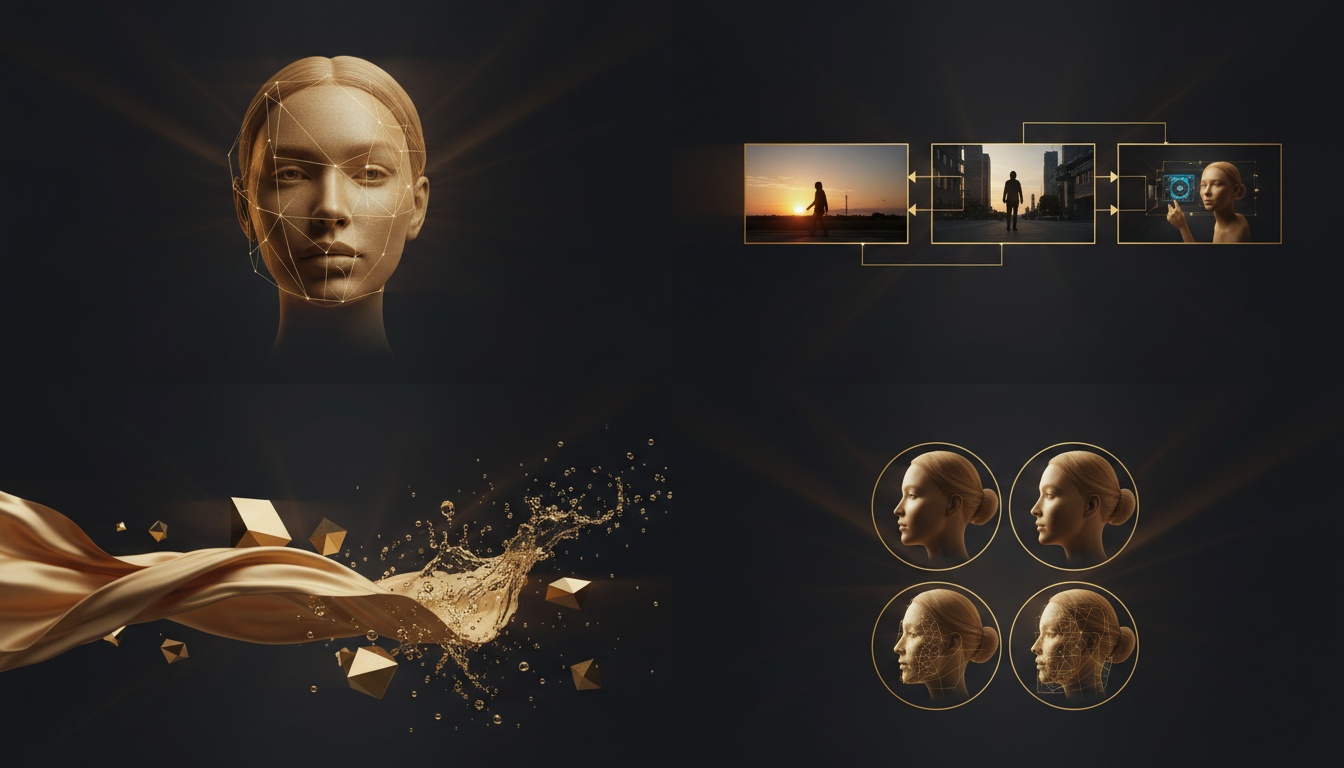
Video generators are no longer black boxes. While models just six months ago produced random camera movements and unpredictable character actions, the beginning of 2026 has seen the emergence of tools for precise control. Kling 2.6 introduced Motion Control—the ability to manually set the trajectory of head and camera movements. Seedance 2.0 has learned to generate multi-scene clips with a unified narrative line. Veo 3.1 has brought object physics to an industry-standard level. These updates are transforming video generators from toys into professional tools.
We break down four technologies that allow you to create video not through trial and error, but according to a well-thought-out script.
Motion Control in Kling: Motion Trajectory Instead of Randomness
The key problem with early video generators was the lack of control over movement. A model might produce a beautiful frame, but with unpredictable panning or a random head turn by the character. Kling 2.6 solved this challenge through its Motion Control mode: you draw the movement trajectory with points on the frame, and the model executes it with high precision.
The technology works simply: you upload a starting image, mark key points on the face or object, and set the direction of movement. The model builds intermediate frames and generates smooth animation. This is especially useful for portraits: you can set a 45-degree head turn to the left, a slight forward tilt, or a gaze toward the camera. Without Motion Control, such movements could only be achieved by chance after dozens of re-generations.
A second application is camera control. Instead of random zooming or panning, you specify an exact trajectory: a slow zoom-in on an object, a circular movement around a character, or a static shot with movement only within the scene. For commercials and product videos, this is critical: camera movement should highlight the product, not distract from it.
Seedance Multi-Scene: Narrative Instead of Single Shots
Most video generators create isolated clips lasting 5-10 seconds. If you need a story with several scenes, you have to generate each one separately and stitch them together in an editor. Seedance 2.0 has introduced multi-scene generation: the model creates a sequence of shots with a unified narrative line.
The technology works through prompt chains. You describe not just one frame, but a sequence of events: a character enters a room, walks to the window, and turns to the camera. The model generates three connected scenes with smooth transitions and consistent character appearance. This is the first video model that understands a plot at the level of multiple actions rather than a single static moment.
For content creators, this changes the production approach. Instead of editing dozens of short clips, you can immediately get a 30-second video with an introduction, development, and conclusion. Seedance is particularly good for advertising scripts: showing a product in action, demonstrating the result of its use, and adding a character's emotional reaction—all in one generation.
Veo Physics Engine: Realistic Physics Instead of Visual Glitches
Video quality is determined not only by the image but also by the plausibility of the physics. Early models generated beautiful but illogical movements: water flowed upward, fabric did not react to wind, and characters passed through objects. Veo 3.1 has introduced an advanced physics simulation that accounts for gravity, inertia, collisions, and material deformation.
The model analyzes objects in the frame and applies realistic physical laws to them. A falling object accelerates, bounces off a surface at the correct angle, and loses energy. Fabric ripples in the wind, accounting for the weight and stiffness of the material. Liquids flow, splash, and reflect light just as they do in reality. These details are not noticeable at first glance, but they are exactly what distinguish professional video from amateur work.
For content creators, this means less time spent fixing artifacts. Veo produces clips that can be used without post-processing: object physics work correctly, movements are natural, and lighting is logical. The model is particularly strong in scenes with water, fire, and fabrics—anything that requires complex simulation.
Hailuo Face Stability: Face Stability in Motion
Portrait animation is one of the most difficult tasks for video generators. Models often distort facial features when the head turns, add unnecessary wrinkles, or change proportions. Hailuo 02 has solved this problem through Face Stability technology: the model uses 3D face reconstruction to maintain character identity across all frames.
The technology works in two stages. First, the model builds a 3D face map from the source image, capturing the distance between the eyes, the shape of the nose, and the jawline. Then, when generating the video, it applies this map to each frame, correcting distortions. The result is smooth head turns, natural expressions, and stable facial features.
This is critical for archival photographs. Old snapshots are often of low quality, with noise and loss of detail. Hailuo restores the face, adds movement, and preserves the person's recognizability. The model is especially good for family archives: you can bring portraits of relatives to life so they look natural, without digital artifacts.
How to Choose a Tool for Your Task
The choice of model depends on the type of content. For precise control of character and camera movement, Kling with Motion Control is best. For creating multi-scene stories with a narrative, use Seedance. For maximum photorealism and correct physics, choose Veo 3.1. For animating portraits and archival photos, use Hailuo 02.
All four technologies are available via API and web interfaces. Most models support generation up to 10 seconds at 1080p resolution, with some supporting up to 4K. Costs vary from free limits to several dollars per clip, depending on duration and quality.
The main change in 2026 is the transition from random generation to conscious control. Video generators have ceased to be a lottery and have turned into tools that perform specific directorial tasks. This opens up opportunities for professional use: from commercials to short films.
All mentioned models—Kling, Seedance, Veo, and Hailuo—are available in GEMERA AI through a unified interface. You can test each one on your tasks and choose the one that best suits your workflow.