Midjourney Launches Thinking Mode for Precise Style Matching
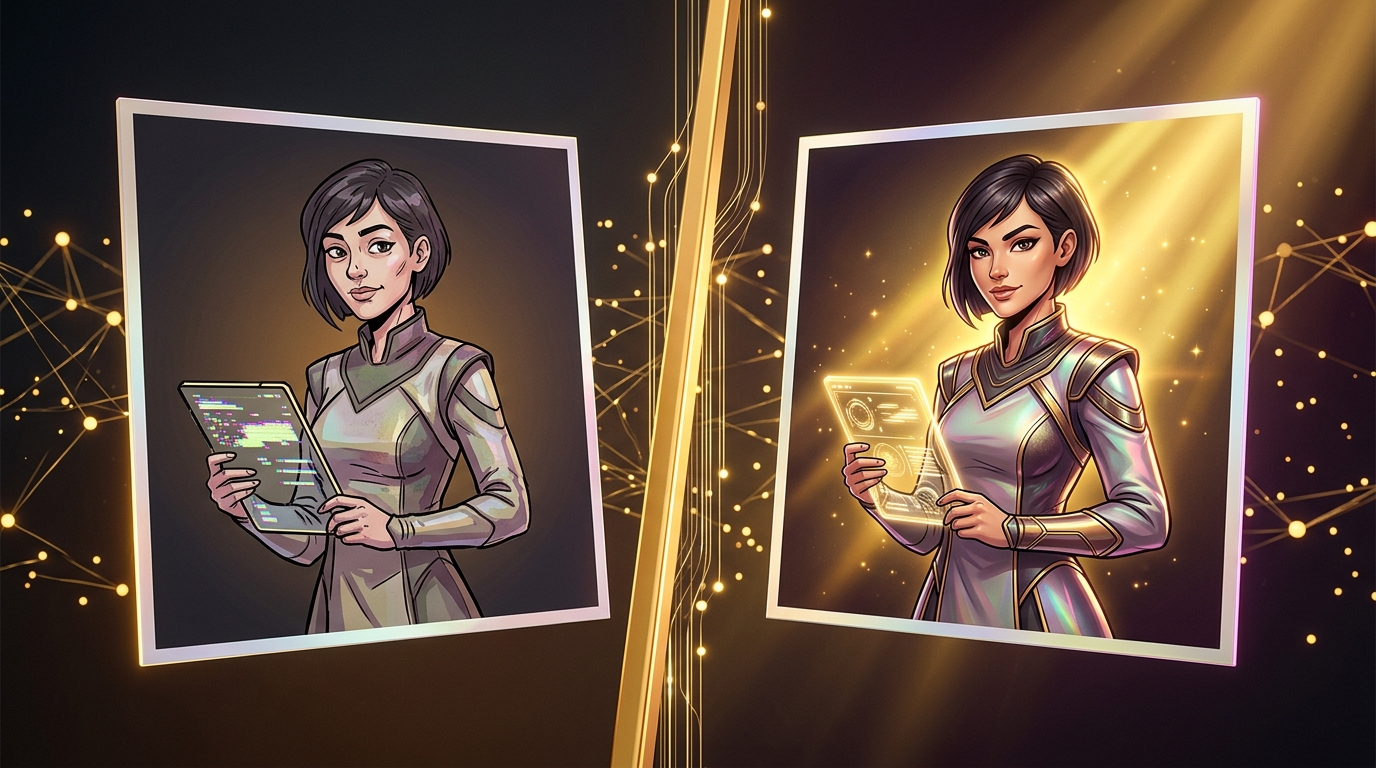
If you work with stylization—creating a series of illustrations for a brand, social media covers, or concept art within a unified visual code—you know the main pain point: the first generation almost hits the style, and then the lottery begins. If you regenerate, you get either the same result or something completely different. Midjourney recently introduced a tool designed to end this lottery. We break it down by answering the questions usually asked by those seeing the feature for the first time.
What is Thinking Mode and what does it have to do with stylization?
Thinking Mode is not a new version of the model, but a mode for rerunning an already completed generation. For stylization, this is critical: often the model correctly interprets the subject matter but misses the mark on the required style—sometimes it's too realistic, other times too flat.
How to enable it if you are seeing the feature for the first time
Everything is done in a few clicks, without parameters or special characters in the prompt:
- Generate or open an already completed work on alpha.midjourney.com.
- .
- Wait for the model to review the image and regenerate the problematic areas.
Important note: If you are used to working via the Discord bot, you will have to switch to the web version for now.
How is this different from a regular reroll?
A regular regeneration is a new attempt from scratch; the model does not analyze what went wrong the last time. Thinking Mode works differently: it is a conscious correction of specific errors. According to the team, the developers specifically cite a figure from internal tests: for tasks with complex composition or strict style, this is a noticeable difference compared to a blind regeneration.
How to use the mode when working on a series in one style
The logic is simple: first, find a reference generation that hits the desired style by about eighty percent, and then use Thinking Mode to process only the details that stand out—not the entire frame. This is more efficient than cycling through dozens of variations in the hope of a lucky match. It is also worth considering the context: such composite prompts are characteristic of stylization, where you need to maintain the subject, style, and composition simultaneously.
Where to store the found style so you don't have to look for it again
Apart from Thinking Mode, in this same update, Midjourney has improved its organizational tools, which are logical to use in tandem. This means you no longer need to keep successful stylizations in chat history or screenshots—they remain in the library and can be reused in future projects.
Should you enable the mode for every generation?
There is no point in running simple prompts without text, complex anatomy, or strict style through Thinking Mode—regular generation handles those just fine. It makes sense to enable the mode selectively: when the first attempt is close to the goal but misses details that usually break the stylization—such as text, proportions, or secondary objects in the frame. The company itself emphasizes the experimental status: therefore, it should be treated as a quick tool for fine-tuning, not as a mandatory step in every project.
In short
Thinking Mode addresses a specific pain point for those working with style: you no longer need to cycle through dozens of generations for one precise match—you can target and refine what didn't work the first time. The feature currently lives only in the Alpha version and is marked as an experiment, but the direction is clear: less randomness, more control over the result.
If you work with image generation and want to try different models without switching between a dozen sites and subscriptions, GEMERA AI has already gathered the main tools for chat, images, video, and voiceover in one place. Stop by and test the latest stylization techniques on your projects.