Neural Networks vs. Designers: Product Cards on Wildberries and Ozon
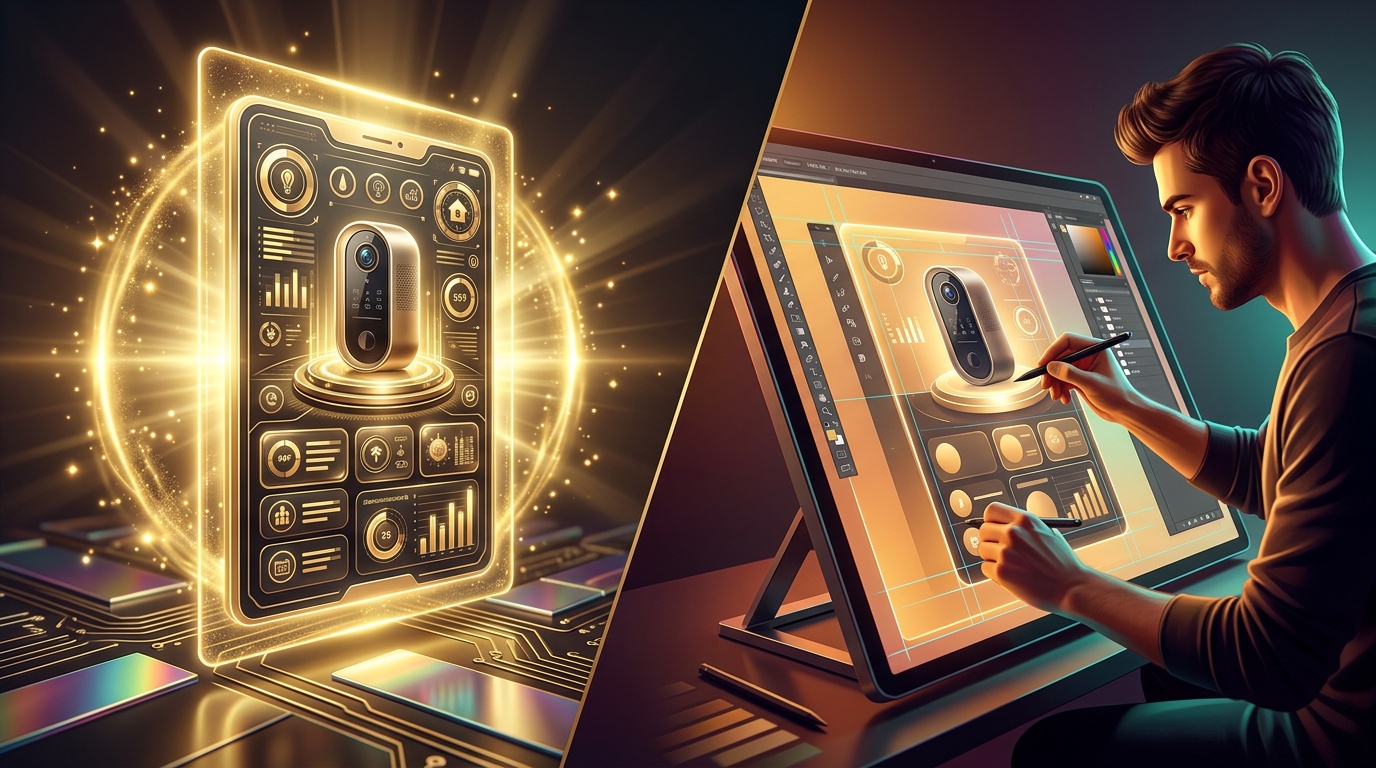
In any seller chat, the debate eventually arises: can you cut the designer and copywriter out of the process and create product cards using only a neural network in five minutes? Some share 'before and after' screenshots and swear that a photo studio is no longer needed. Others complain that AI-generated infographics look generic and sales aren't growing. The truth, as usual, lies somewhere between enthusiasm and disappointment. Let's break down the four most persistent myths about AI in product cards—and what happens in practice.
Myth 1. Upload a photo—and the neural network will do everything itself
The idea is appealing: upload one product shot, and out comes a complete set for both platforms. The problem is that Wildberries and Ozon have physically different requirements. Ozon expects a gray background for the clothing category, which differs from Wildberries and Amazon; the same photo might pass on one platform and be rejected on another. Therefore, photos still need to be prepared separately for each marketplace.
A work habit that saves nerves: keep a transparent PNG as a master file and swap in the required background for the specific platform and category. Neural networks are excellent at background replacement and scene generation, but the underlying logic—which background is needed for this specific product on this specific platform—is still set by a human.
Myth 2. One neural network will cover all product card tasks
At the start, it seems like you need one universal tool. In practice, even experts admit: in 2026, no single tool covers all tasks 100%, so sellers often combine several neural networks. The reason is simple—a product card has at least three different types of content, and they require different models:
- Photos on a background meeting platform requirements — this requires precise replacement or background generation without distorting the product.
- A slide with specifications and arrows — here, working with text on the image is important, not just the image itself.
- Lifestyle scene (product in an interior, clothing on a model) — a task for realism and composition.
Dividing tasks is not an AI inconvenience, but a consequence of the fact that different models excel at different things: text on images, photorealism, and pure background replacement. Combining tools is not a 'flaw of AI,' but a normal workflow, just like with standard graphic editors.
Myth 3. Unique AI-generated text will automatically boost the card to the top
This is perhaps the most expensive myth. The logic that 'the neural network wrote a unique description, so the algorithm will love the card' doesn't work that directly. In reality, if you just stuff a hundred keywords separated by commas into a card, the algorithm will reduce its visibility, and the main rule of 2026 is: don't over-optimize.
At the same time, keywords are still necessary—they just need to be organically woven into the text, not listed with commas. The algorithm reads more than just the description: attribute completeness is important—the more thoroughly the specifications are filled out, the better the ranking. Then, conversion and reviews come into play: cards with a high purchase rate rise in search results. In other words, text from a neural network is just an entry ticket, not a guarantee of a top spot. Real sales and customer behavior drive the card further.
Myth 4. AI-generated infographics = automatic sales growth
Beautiful infographics alone do not guarantee sales. Fulfillment market experts agree on one thing: a card should be concise—the fewer elements on the image, the more attractive it looks, and this directly affects conversion. AI is great at generating dozens of layout variants in minutes, but if the prompt is written based on inspiration rather than for a specific product, you will end up with a generic 'one-size-fits-all' image.
The second important point is adaptation to the category. Even neat infographics won't work if they are identical for all categories—what works for electronics won't work for clothing or cosmetics. So, the human's task is not to 'generate something pretty,' but to formulate a brief: what is the product, what is the customer's pain point, and what figures and benefits should be highlighted? AI will quickly assemble the visuals based on this brief, but the strategy itself—what to show and in what order—is still thought out by the seller.
The bottom line
Neural networks really do handle the routine: background replacement, scene generation, text drafts, and dozens of infographic variants in the time it used to take to make one layout. But they don't replace the basics—knowledge of platform requirements, working with keywords without over-optimization, and understanding what exactly this specific product's card needs to convey. AI is an accelerator, not an autopilot that thinks for you.
If you want to try different models for cards and descriptions in one place, GEMERA AI allows you to chat with GPT or Claude about text for a card and generate images for infographics without switching between a dozen services. It's convenient when you need both text and visuals for a single card, along with some experimentation with prompts.