Errors and Solutions in AI Video Generation with Sora and Veo
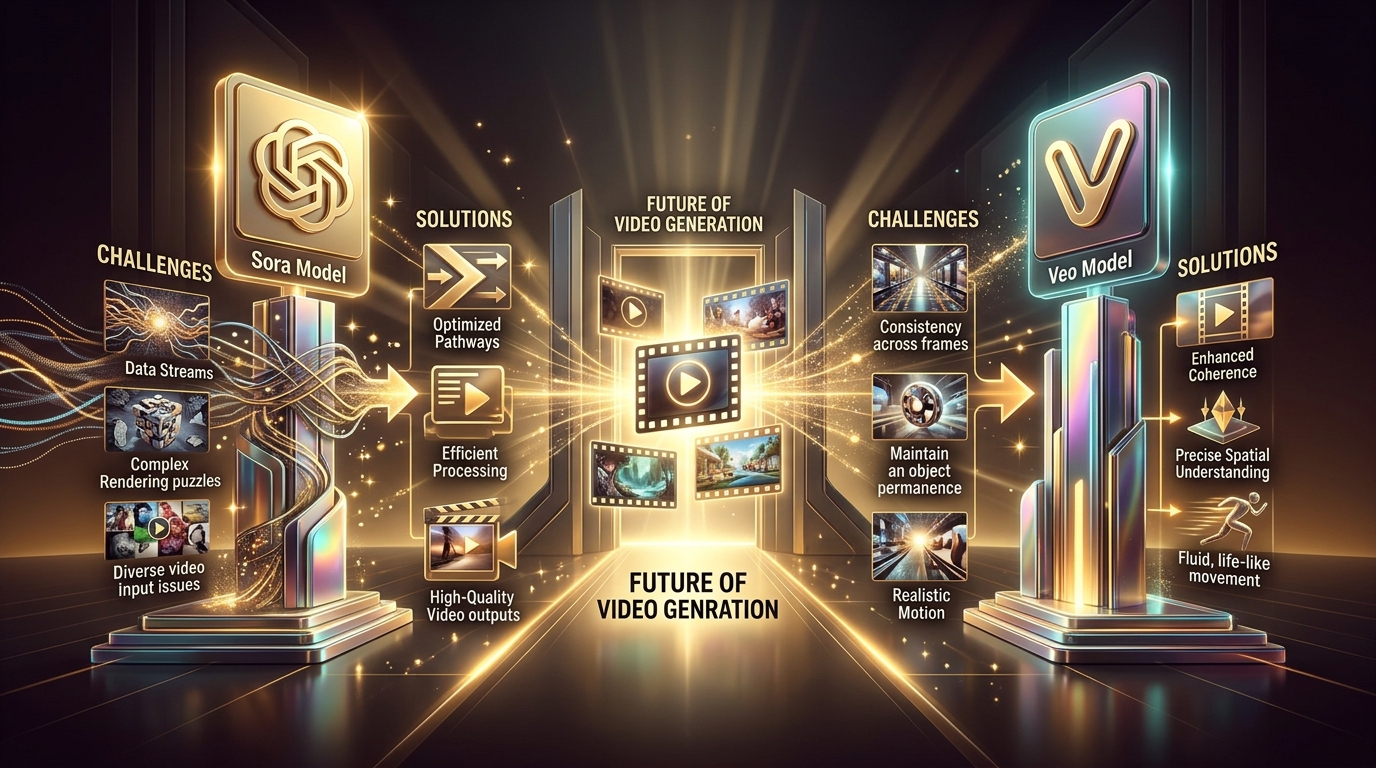
Using AI to create videos is becoming increasingly common, but even the most advanced models have their limitations. Let's break down where Sora and Veo most often fail and how to circumvent these issues.
Issues with Text and Logos
AI models often distort small text. Veo is noted for issues with text readability and confusion in voices. It is better to overlay logos and text onto already generated videos manually. This will help maintain clarity and recognizability.
Inconsistencies in Lighting and Background
It is important to monitor the consistency of light in the frame. Some users take references from studio shoots but request natural lighting. This leads to visual conflicts in the video. Ensure that your references and prompts are in harmony with each other.
Limitations on Clip Duration
Many models demonstrate stability in short segments but begin to lose detail as their duration increases. It is recommended to:
- Plan scenes up to 8 seconds long.
- Use test generations for verification.
- Combine short clips in editing software.
Physics and Motion Characteristics
In complex scenes, such as fluid simulation, models often encounter artifacts. Veo 3.1 handles such tasks better than other AIs, but glitches still occur. Choose models optimized for specific tasks to minimize errors.
Verification and Final Assembly
After generating a video, be sure to check for small details, movement, and audio synchronization. Upscaling and final color correction will help improve video quality. Proper editing and sound processing will allow you to achieve professional results even from raw material.
Try applying all the described tips using the models in GEMERA AI and achieve high-quality results without unnecessary errors.