Why FLUX 3 Image doesn't 'control every pixel' as advertised
When Black Forest Labs introduced FLUX 3 Image on October 1st, the wording in the announcement sounded almost like a legal guarantee: the model performs precise multi-step edits without touching a single unnecessary pixel, arranges elements within frames, and renders directly in 4K. It sounds like the solution to the biggest pain point for everyone who edits images with neural networks: you ask to change the color of a jacket, and the model redraws the face, background, and lighting at the same time. But if you break down the wording and compare it with independent measurements, it turns out that 'control over every pixel' is more of a direction than a fact.
What the model actually promises
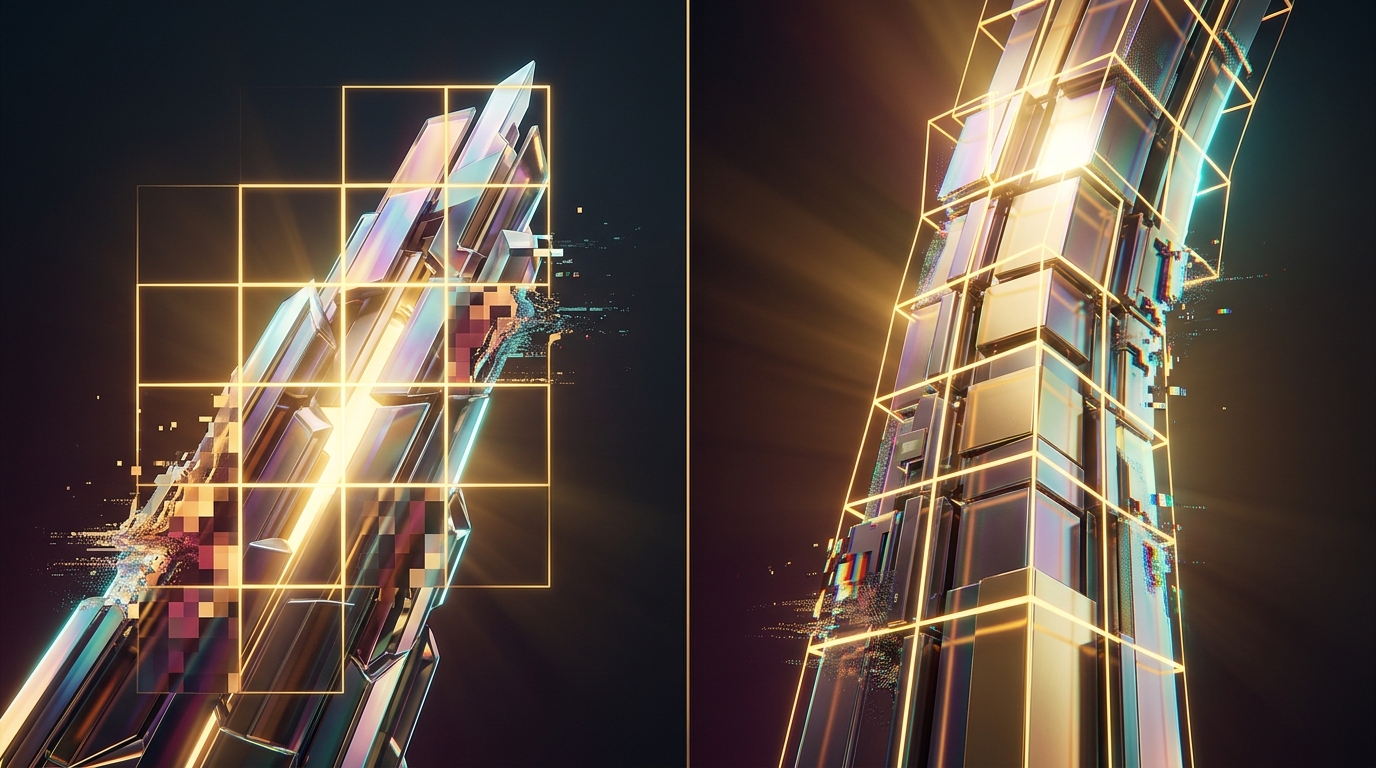
Technically, this is implemented through a system of frames. Such a grid is not tied to a specific resolution, so the same layout can be applied to both a preview and a final high-resolution file.
In one of the marketing materials, the wording goes even further: the model supposedly provides 'bit-perfect' editing — meaning pixels outside the selected area do not change at all, down to the bit. This is a strong statement, and it is precisely what became the subject of verification by independent testers.
What independent measurements show
An analysis of nine official editing examples from BFL itself painted a different picture: depending on the task, 15% to 35% of the image was altered. This is not 'bit-for-bit' accuracy, but a noticeable portion of the frame being redrawn, even in the developer's own demo examples.
A more targeted test compared FLUX 3 with competitors specifically on the share of pixels that changed outside the designated editing zone. The result was unexpected: FLUX 3 showed higher variance than its main rivals. In other words, in this specific measurement, competitor models kept the editing boundaries stricter than BFL's new frame system.
There is another nuance: the model struggles with consistency in complex lighting. And regarding text rendering, the quality of typography is a critical parameter for advertising layouts. A live example from the developer forum is also telling: one tester noted that the model 'hallucinates' extra characters in 1 out of 5 attempts — a good result, but not the 'every pixel under control' experience promised.
Open Klein version: a quick jump in ratings and a wave of complaints
Two weeks after the API release, an open lightweight version was launched — FLUX 3 Image Klein. Based on the stated figures, the progress looks impressive: the model is 40% faster, while maintaining 90% of the quality of the flagship version.
But the community's practical experience contradicts the figures in the press release. On Hacker News, developers who tested the model locally reported that it often loses coherence in complex prompts. Another commenter noted that the model frequently 'breaks' textures in high-contrast areas. Against this backdrop, the same discussion thread saw a surge of negative feedback — a rare reaction to a release that was supposed to be the flagship of the line.
What to do in practice
FLUX 3 Image is a working tool, not a fiction, and the frames really do simplify the composition of complex scenes with multiple elements. But you should base your process on realistic expectations rather than the marketing thesis of 'not a single extra pixel':
- Before running a series of edits in production, check the boundaries of the changes on your own files rather than trusting the vendor's demo examples — the variance even in official cases reaches up to a third of the image.
- For tasks with critical fine text (packaging, infographics, signage), plan for manual verification — the model has not yet received a separate benchmark for typography.
- If you need a free local version, test Klein on your scenarios in advance: its strengths in editing may coexist with noticeable problems in pure text-to-image generation.
If you want to run FLUX 3 Image or other current image generation models through different scenarios yourself, try doing it in GEMERA AI: access multiple AI models in one chat and dashboard without the hassle of setting up APIs.