Why AI doesn't always create photorealistic images
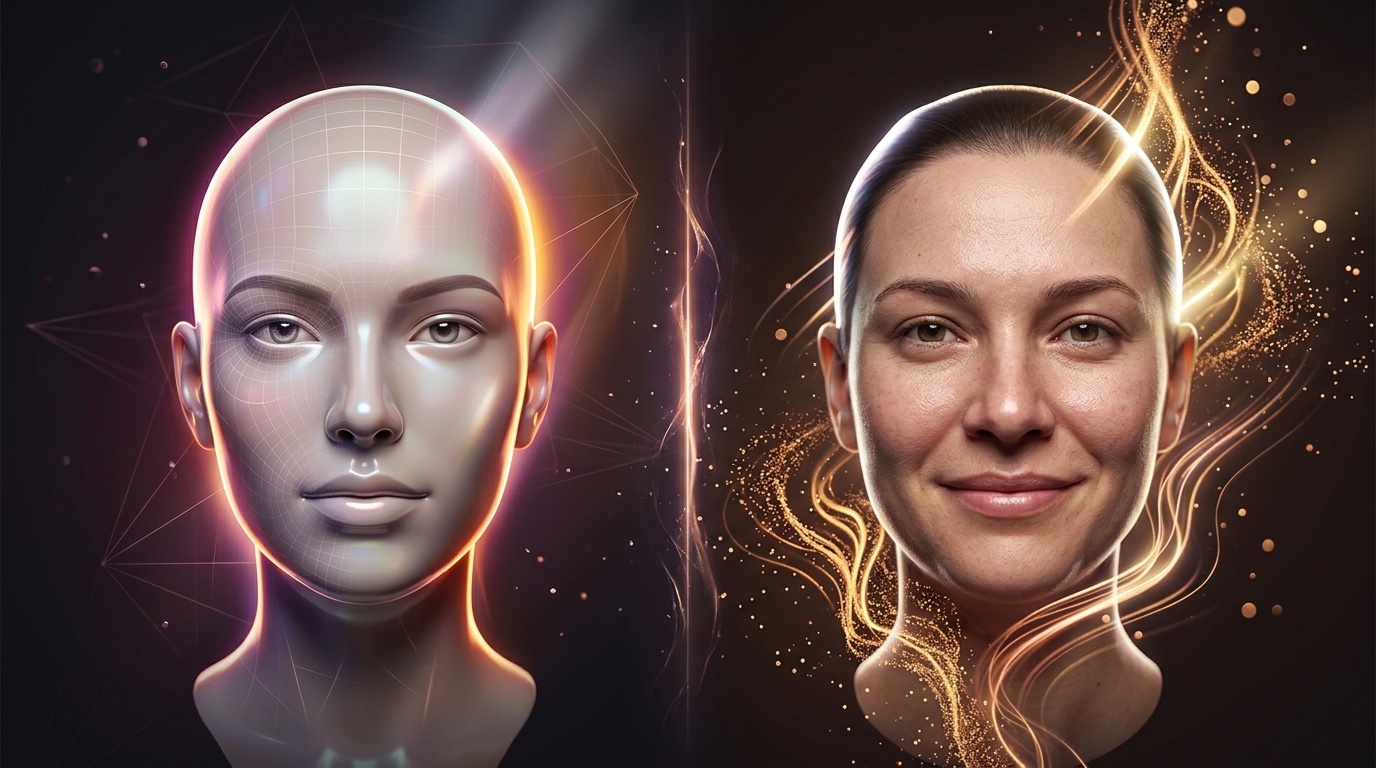
Using artificial intelligence for image generation promises accurate and fast content creation, but for some reason, expectations don't always match reality. Let's look at why AI images sometimes don't look real and how you can avoid this.
The problem of image perfection
One of the main reasons neural networks don't always create natural-looking images is their tendency toward perfection. Overly smooth skin, symmetrical faces, and perfect compositions can make an image look unnatural, raising suspicion in the viewer. This is especially noticeable in advertising photography, where "silicone skin" can deter potential buyers.
To achieve more realistic results, it is important to set tasks correctly, focusing on natural textures and minor imperfections. Preparing a brief that specifies which elements should be more natural can significantly improve iterative results.
Prompting errors
Many companies make the mistake of not understanding exactly what kind of result they want to achieve. A neural network interprets a task in its own way if it isn't given clear boundaries. Defining the type of image—whether it's product photography, an infographic, or a portrait—at the initial stage helps avoid disappointment.
As OpenAI suggests, it is important to first tell the model exactly what needs to be done—for example, a product advertising photograph—and then specify details such as the angle, background, and lighting. This helps the model better understand the context and offer more accurate results.
Issues with multiple edits
Another difficulty is the accumulation of errors during repeated image editing. As [habr.com]( points out, sequential editing can lead to image quality degradation. Therefore, it is important to save checkpoints and monitor changes during the editing process.
If you need to change several elements, it is better to do it in stages. For example, first change the color of one element, then the background, and only then work on the text. This allows you to maintain the original quality and avoid unintended changes.
Conclusion
To achieve photorealism, it is important to have not only a capable model but also a well-crafted prompt. Maintaining a balance between perfection and naturalness, thorough brief preparation, and careful editing can help you get more realistic images that meet your requirements.
If you are looking for a platform where you can test different models and improve your results, try GEMERA AI. Here you will find tools for both beginners and experienced users.