Why the Nano Banana neural network doesn't actually require complex setup
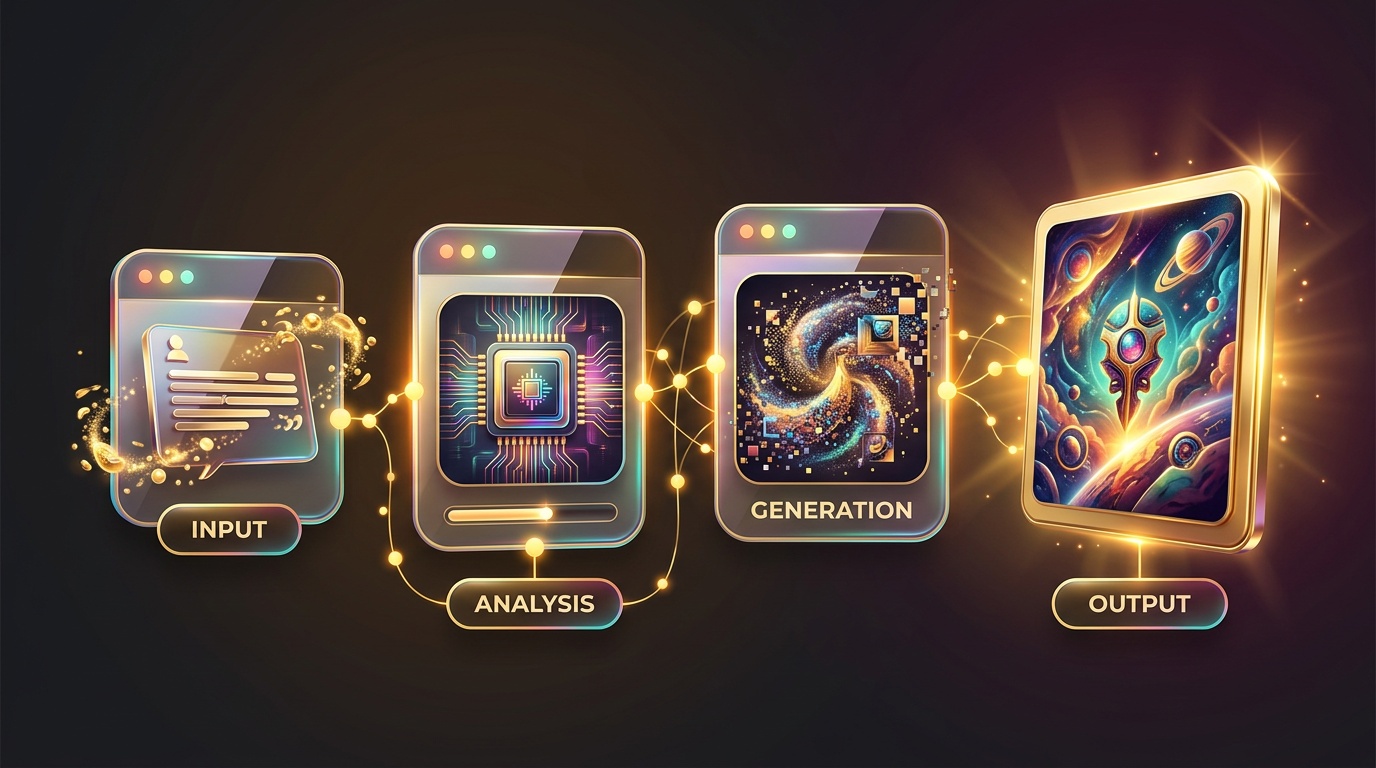
In the world of image generation, new technologies can be intimidating, especially when it comes to neural networks. However, Nano Banana makes this process simple and accessible. Let's break down why it doesn't require complex setup and how you can start working with this model today.
Step 1: Registration and access
The first step to using Nano Banana is registering on the platform. After registration, you will gain access to your personal dashboard and be able to integrate the neural network into your projects. Don't forget to verify your account to use all features without restrictions.
Step 2: Uploading and configuring images
Once you have access to the platform, you can upload your source images. Nano Banana supports various formats and automatically optimizes files for further processing. No preliminary settings are required—the system does everything for you.
Step 3: Generation and editing
Now you are ready to create. Use the intuitive interface to select the style and type of generation. The system will offer several options from which you can choose the best one. If needed, make adjustments—Nano Banana allows you to edit image parameters on the fly.
Step 4: Export and usage
The final stage is exporting your images. Choose the format and quality that suit your needs. Nano Banana automatically converts the file and prepares it for download or further use.
In summary, with Nano Banana, you can easily create high-quality images without complex setup. Try these steps in practice and see for yourself how simple it is. For more inspiration and experimentation, connect GEMERA AI neural networks and expand your content generation capabilities.