Is it possible to keep the same face across ten different AI portraits in a row?
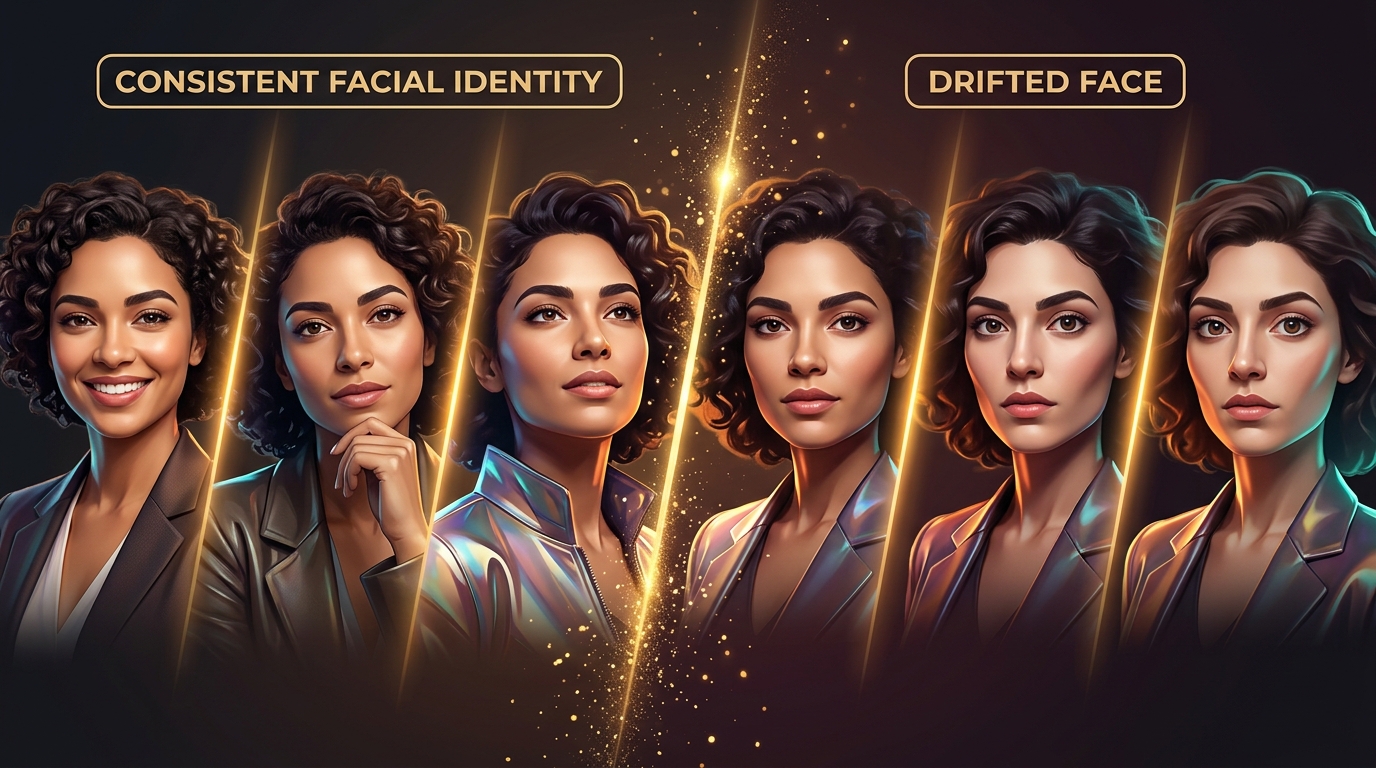
Last week, I tried to recreate the same girl in a neural network about fifteen times: either the lighting was off, the hairstyle suddenly grew out, or the face turned into someone else's. This is a familiar pain for anyone creating a series of portraits, brand avatars, or character cards. I'm breaking down one specific technique that actually solves this problem—and explaining why it works so well right now, following the release of new image generator versions.
What is the essence of the technique and why does it work?
The technique is simple to state but difficult to discipline: first, lock in what remains unchanged, and only then describe one change at a time. Do not rewrite the entire prompt for every new frame—edit on top of the already accepted result.
This isn't my invention, but a direct recommendation from a recent guide on working with GPT Image 2.5: the model rewards a brief that can be parsed, rather than a longer list of adjectives. And further on, there is a direct rule: change one setting at a time. A complete rewrite destroys the comparison between iterations. It sounds like a cliché, but this is exactly what most beginners do wrong—they rewrite the request from scratch when they should have just adjusted one detail.
Where should you start—with a reference or with text?
With a reference, if the face is real or already approved by a client. First a lock, then one change—literally a line at the beginning of the prompt like 'keep the same face and hair silhouette,' followed by one edit: background, clothing, or angle.
If there is no face reference, you create the first frame, accept it as the standard, and then work only with it, rather than generating from scratch for every variation. For portrait photography without a source photo, this is especially important: otherwise, every generation is a lottery with a new random face.
What prompt phrasing should you actually use?
A working structure looks like this:
- Fixation — what should remain unchanged (face, hairstyle, proportions);
- One action — angle, clothing, background, or lighting, but not everything at once;
- Material and lighting — specifics instead of praise. One of the recent prompt guides gives an example of the difference between weak and strong phrasing: instead of just 'realistic skin,' they write 'natural skin, visible pores, no beauty blur, no plastic skin,' and this noticeably changes the result;
- Prohibitions — what definitely should not appear (extra text, watermarks, plastic skin).
My personal observation: the more specific the phrasing of material and lighting, the less the model 'improvises' the face for you—and the higher the chance that it will remain the same.
In which neural networks does this actually work?
The reason for this column is a fresh release: on September 8, 2026, OpenAI launched the ChatGPT Images 2.5 update, which introduced a Sketch feature for turning drawings into images, and generation latency was reduced by 50%, with two API versions—Flare for speed and Sunburst for detail at the cost of time.
For a series of portraits with an emphasis on consistency, it is more logical to start with Sunburst—it has higher detail—and then switch to Flare for speed on variations. A similar logic applies to Google's Nano Banana Pro: it is noted for its ability to create crystal-clear images with 2K–4K ready detail, where textures, materials, reflections, shadows, and fine features are rendered with professional precision—meaning the base for the portrait is solid, and keeping the face consistent during edits is easier.
A separate example of the same 'lock plus change' approach is the new editing model in Midjourney V8.2, which can accept text instructions, assemble an image from other images—up to four samples—as well as brush-mask an area for replacement and extend beyond the frame. The tool is different, but the idea is the same: do not recreate the entire picture, but edit exactly what needs to be changed.
What breaks consistency most often?
Three typical mistakes I've seen in beginners and in my own work:
- Rewriting the entire prompt for one minor edit—the model loses the context of the previous frame;
- Too general phrasing like 'the same girl' without specifics on facial features and silhouette;
- Mixing several changes in one step—changing the angle, clothing, and background simultaneously almost guarantees the face will drift.
If the frame didn't work out, don't generate from scratch. Roll back to the last accepted version and try a different phrasing for that single change.
Is it worth doing this for commercial tasks?
Yes, and this is perhaps the main practical takeaway of the column. For brand avatars, a series of character cards, or an advertising campaign with one face, this technique saves hours of manual retouching. But discipline is important: as soon as you start trying to save time and change everything at once, the savings disappear because checking for discrepancies takes longer than careful, step-by-step editing.
Instead of a conclusion
One technique—locking the immutable and changing one step at a time—works not because models have become smarter at guessing intentions, but because the human stops confusing them with the randomness of their own prompt. This is not a magic button, but a working discipline that pays off by the third frame of a series.
If you want to try this technique in practice, GPT Image 2.5, Nano Banana Pro, and other image generation models are already available in GEMERA AI via our Telegram bot and web dashboard. You can immediately compare which model holds the face better for your specific tasks.