Realistic Faces in Midjourney and DALL-E: Why Is 'Doll Skin' Not a Bug?
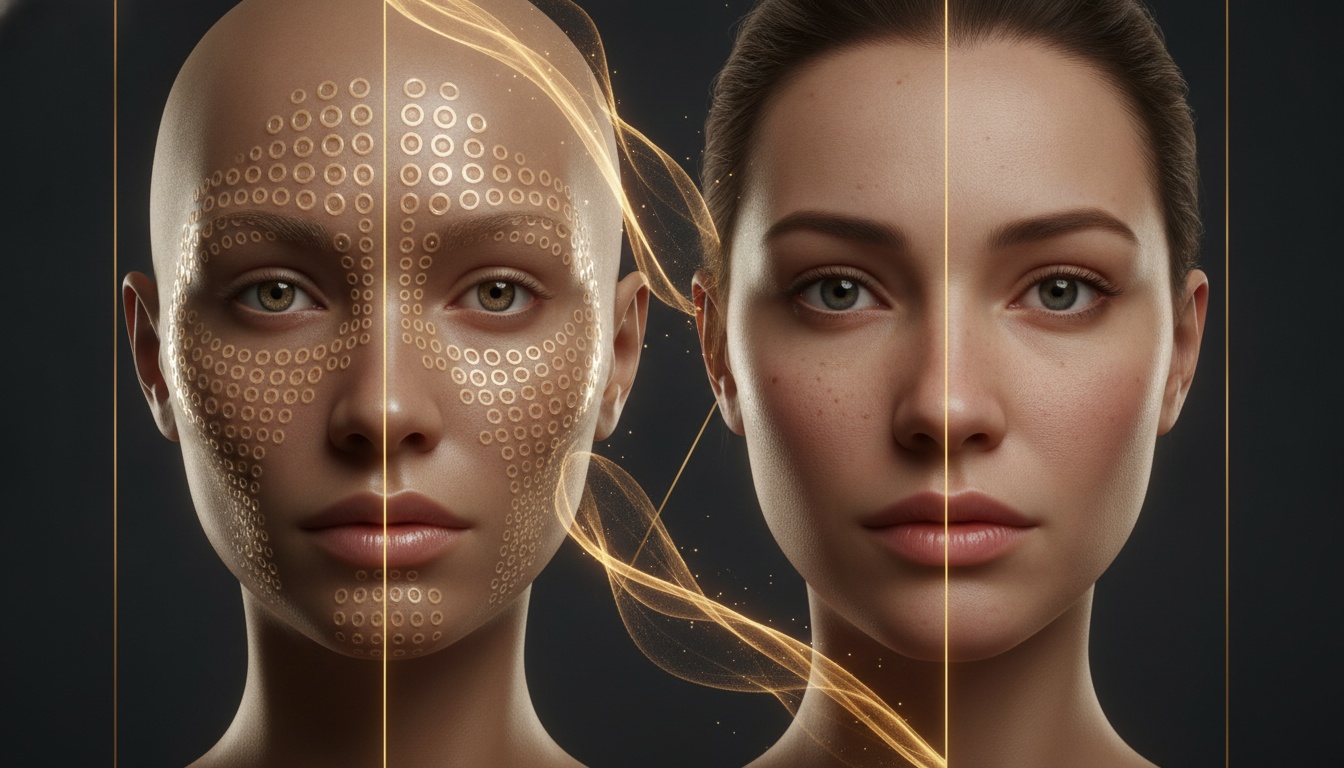
In February 2026, OpenAI released GPT-Image-2—a model that accurately reproduces text on signs and packaging but continues to generate faces with a silicone doll texture. Midjourney users complain about the same thing: skin looks like polished plastic, pores are arranged in a perfect grid, and highlights are too uniform. The community blames the models' imperfections. But what if this "doll-like" quality isn't a bug, but a conscious choice by the developers? We break down four major misconceptions about portrait photorealism in AI.
Myth One: Add "realistic photo" and you'll get photorealism
The most common mistake beginners make is thinking that a prompt like "realistic photo of a woman" guarantees lifelike skin. In practice, such requests have the opposite effect. Models are trained on millions of advertising photos where skin is retouched to perfection: pores are removed, tones are evened out, and micro-relief is smoothed. For an AI, the word "realistic" doesn't mean documentary photography; it means commercial photography—the kind where models look like wax figures.
What actually works: specific technical instructions. Instead of the abstract "realistic," write "skin texture, visible pores, natural imperfections, subtle blemishes." Add "film photography, analog"—this shifts the style toward film grain and imperfect optics. Specify a particular camera and lens—for example, "shot on Canon 5D Mark IV, 50mm f/1.4"—which gives the model a reference for depth of field and bokeh character.
Myth Two: The more details in the prompt, the more realistic the result
Many think that a long prompt with a dozen adjectives will improve quality. In reality, an overloaded request blurs the focus: the model tries to satisfy all requirements at once and produces an averaged result. Clichés like "4K, HDR, cinematic lighting, divine beauty" are especially harmful—they pull the generation toward glossy advertising and fairy-tale aesthetics.
The right strategy is layer-by-layer complexity. Start with a minimal request: scene, main subject, lighting. Once you get the first result, analyze what's wrong. Then add one or two details: skin texture or camera angle. In another pass, refine the light or perspective. This iterative approach provides more control than trying to write the perfect prompt on the first try.
Myth Three: AI will soon learn to draw lifelike skin on its own
The community expects the next version of Midjourney or DALL-E to finally fix the silicone face problem. But it's not about technical limitations—the models are already capable of reproducing realistic texture. The problem lies in the datasets and what is considered a "good" result. Training sets are overflowing with commercial photos featuring perfectly retouched skin because such images make up the majority on the internet. Documentary portraits with natural imperfections are in the minority.
Moreover, developers intentionally smooth out skin texture to avoid complaints about "ugly" results. Users generate portraits en masse for social media and advertising—where glossy aesthetics are in high demand. If a model started outputting faces with enlarged pores and redness by default, a flood of negative feedback would be guaranteed. So, the "doll-like" look is a compromise between realism and commercial appeal.
Myth Four: AI is already suitable for product shoots with people
GPT-Image-2 handles product photos without people perfectly: packaging, electronics, and food look convincing. But as soon as a person appears in the frame, the skin texture ruins the entire impression. Early testers note: the model perfectly reproduces text on a ramen noodle label and correctly renders steam above a bowl, but the hands holding the chopsticks look like those of a mannequin.
The reason is the same—data bias. Food photography and gadget shots are represented in training sets by thousands of professional images. However, portraits of people in product scenes are most often retouched for advertising. The model has learned to copy this style. For now, for shoots where human naturalness is important, it is more reliable to hire a photographer or use AI only for the background and product, and shoot the model separately.
What to do right now
If you need a realistic portrait, avoid words like "beautiful, perfect, flawless." Specify concrete imperfections: "subtle freckles, uneven skin tone, fine lines." Add technical context: camera type, film, natural lighting—"natural window light, soft shadows." Avoid mentioning makeup, or write "minimal makeup, no retouching."
And most importantly, accept the limitations. Today's AI is a tool for quick iterations and concepts, not a replacement for professional photography. For product advertising without people, it already works great. For portraits with lifelike skin, it still requires multiple manual refinements or combining with real photos.
Want to try different approaches to portrait generation? Midjourney, DALL-E, and other models are available in GEMERA AI—experiment with prompts and compare results in one interface to find the balance between speed and quality for your task.