Recraft V4: How Designers Are Using the First AI Generator for Editable Vector Graphics
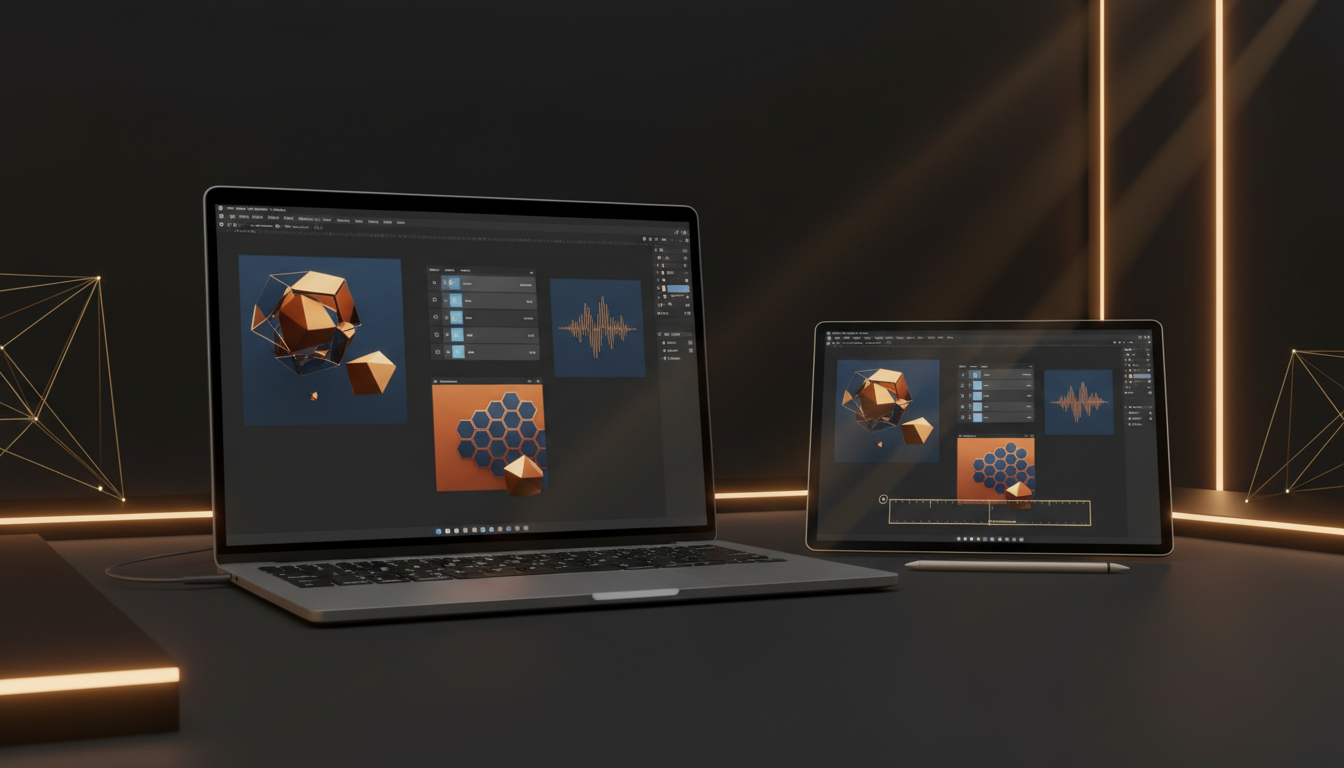
In May 2026, Recraft released the fourth version of its image generation model—and for the first time, added the ability to export results as editable SVGs. This is the first model on the market that creates not just a raster image, but a layered vector file ready for editing in Figma or Adobe Illustrator. We break down how it works and where it truly helps designers.
What's New in Recraft V4
The model is available in two versions: the base V4 generates sketches in 5–10 seconds, while V4 Pro delivers detailed, high-resolution images ready for print. The main difference from Midjourney, Flux, and other generators is the output format. Recraft creates an SVG file where each element is on a separate layer and defined by Bézier curves rather than pixels.
In practice, this means: you generate a logo, open it in Figma, select the necessary element, and change the color, shape, or line weight—without redrawing and without losing quality when scaling. For a designer, this is a shift from "using a reference and redrawing by hand" to "taking a ready-made file and refining it in five minutes."
Four Scenarios Where Vector Output Saves Time
Logo and Icon Creation. A classic use case: you need a logo in three variations, each with the ability to change colors for different media. Previously, the process was: generate in Midjourney, open in Illustrator, trace manually with the Pen tool, and break into layers. Now: enter a prompt in Recraft V4, download the SVG, open it in Illustrator, and edit the layers immediately. This saves anywhere from half an hour to two hours per logo.
Typography and Lettering. Recraft V4 can generate complex lettering with decorative elements—and each letter is on a separate layer. This is especially useful for covers, posters, and packaging. Instead of drawing a custom font from scratch or searching through libraries, you can describe the desired style in text and get finished vector lettering in 10 seconds.
Illustrations for Web Interfaces. When a designer needs a stylized icon or decorative element for a landing page rather than a photograph, the vector format is critical: SVGs weigh significantly less than PNGs, scale without quality loss, and are easily animated via CSS. Recraft V4 allows you to generate such elements directly in the required format, without converting them through third-party services.
Preparing Layouts for Print. Printing requires vector files—raster images blur at large sizes. Previously, designers used AI only for brainstorming, while the final layout was still drawn by hand. Now, V4 Pro can provide a ready-made, high-resolution layout that a printer will accept without further adjustments. This is especially convenient for merchandise, business cards, and flyers.
Where Recraft V4 Still Lags Behind Competitors
The model is tailored for graphic design, not photorealism. If the task is to generate a product photo or a human portrait, Midjourney and Flux will provide a more convincing result. Recraft V4 wins where line clarity, editability, and scalability are important—that is, in illustration, branding, and UI graphics.
One more thing: SVG files from Recraft sometimes contain redundant points and anchors, especially in complex shapes. This is normal for automatic vectorization, but a designer will still need to spend a few minutes cleaning up the paths before sending them to print or delivering them to a client.
How to Start Working with Recraft V4
The model is available on the Recraft website. The free plan allows you to generate up to 50 images per day, while a paid subscription removes limits and provides access to V4 Pro. The interface is simple: enter a text description, choose a style (flat, line art, isometric, etc.), and click Generate. The result can be downloaded as a PNG or SVG—the latter being the main feature.
A tip for beginners: start with simple objects—icons, logos, geometric patterns. The simpler the shape, the cleaner the resulting vector file will be, and the less time you will spend on refinement. Complex illustrations with many details are best generated via V4 Pro, with time set aside for manual path cleanup.
Try Recraft V4 Along with Other Models in GEMERA AI
If you work with various tasks—from generating logos to writing text and creating videos—it is more convenient to keep all your tools in one place. GEMERA AI offers access to GPT, Claude, and Gemini for text, Flux and Midjourney for raster graphics, as well as tools for video and music generation. Try it via our Telegram bot or web dashboard and compare which model best suits your task.