Runway Gen-4: How the new model doubled the accuracy of motion and facial expressions
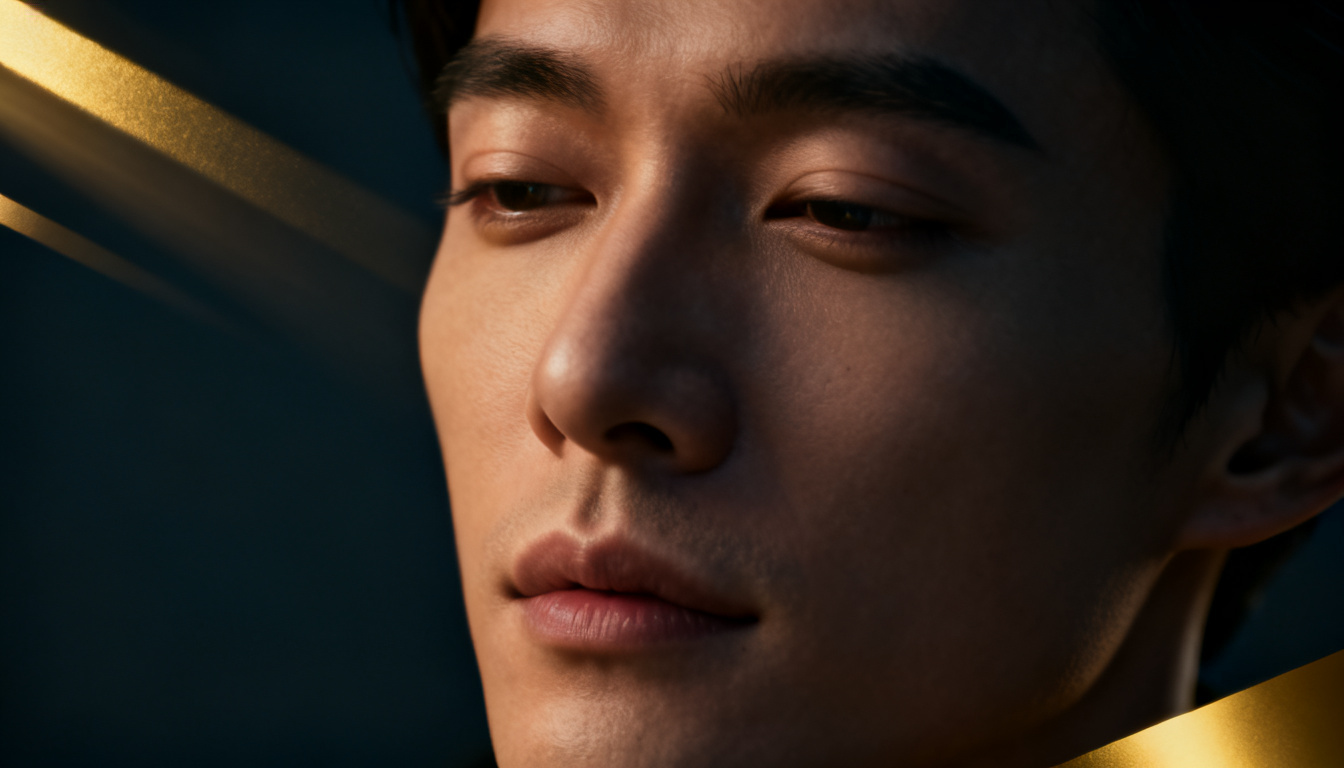
At the end of January 2025, Runway introduced Gen-4, the fourth generation of its video generation model. The company reported that the new version has doubled the accuracy of facial motion, improved camera stability, and learned to generate longer clips without artifacts. The update arrived four months after Gen-3 Alpha and immediately captured the attention of content creators, from directors to UI designers.
We break down five key improvements in Gen-4 and explain why they are important for practical tasks.
Facial expression and micro-expression accuracy
The main change is that the model has learned to convey subtle facial movements: blinking, smiling, and brow tension. In Gen-3 Alpha, these details were often blurred or distorted after 2–3 seconds of footage. Gen-4 maintains facial anatomy throughout the entire clip—up to 10 seconds.
Runway conducted internal testing: in 87% of cases, evaluators noted that facial expressions in Gen-4 look more natural than in the previous version. This is especially important for scenarios where a character is in a close-up, such as commercials, educational videos, and product presentations.
Camera and composition stability
In Gen-3 Alpha, camera movements—pans, zooms, and orbits—often resulted in frame jitter and object shifting. Gen-4 solves this problem: the model better understands scene geometry and maintains stability even during complex trajectories.
For example, if you specify in the prompt that the "camera moves around the building clockwise," Gen-4 will maintain a smooth arc without jerking. This is critical for architectural visualizations, travel videos, and any scene requiring a cinematic feel.
Object motion physics
Runway has improved physics simulation: clothing, hair, liquids, and soft materials behave more realistically. In tests, Gen-4 correctly handled falling fabric, hair blowing in the wind, and water splashes.
Comparison with competitors:
- Kling from Kuaishou still leads in the physics of complex interactions—collisions, deformations, and destruction.
- Veo 2 from Google is strong in photorealistic textures.
- Gen-4 occupies a middle ground: its physics are better than those of Hailuo and Wan, but it still lags behind Kling in extreme scenarios.
Clip length and lack of artifacts
Gen-4 generates clips up to 10 seconds in a single pass—the standard for most models in early 2025. However, Runway has focused on frame clarity: less morphing, less texture flickering, and fewer "ghost" objects in the background.
In practical tests, users noted that Gen-4 requires fewer re-generations—the model produces a usable result on the first attempt in 60–70% of cases. For comparison, this figure was around 50% for Gen-3 Alpha.
Integration with editing tools
Runway has added export support for ProRes and DNxHD formats—professional codecs for editing. Now, clips from Gen-4 can be imported directly into Adobe Premiere, DaVinci Resolve, or Final Cut without quality loss.
Support for alpha channels for isolated objects has also been added, which is convenient for compositing. For example, you can generate a character on a transparent background and overlay it onto real footage.
Who is Gen-4 for?
The model solves tasks where the following are important:
- close-ups of people with natural facial expressions—presentations, interviews, educational videos;
- smooth camera movement—architectural visualizations, location tours;
- frame clarity without artifacts—advertising creatives, social media.
Gen-4 does not replace specialized models: if you need extreme physics, Kling is better; if you need photorealistic nature, Veo 2 is the choice. But for universal scenarios, Runway offers a balanced result.
You can try Gen-4 and other video generation models—Kling, Veo, Hailuo—at GEMERA AI. Compare the results using the same prompt and choose the tool that fits your task.