Seedance 2.0: How ByteDance Turned Video Generation into a Director's Console
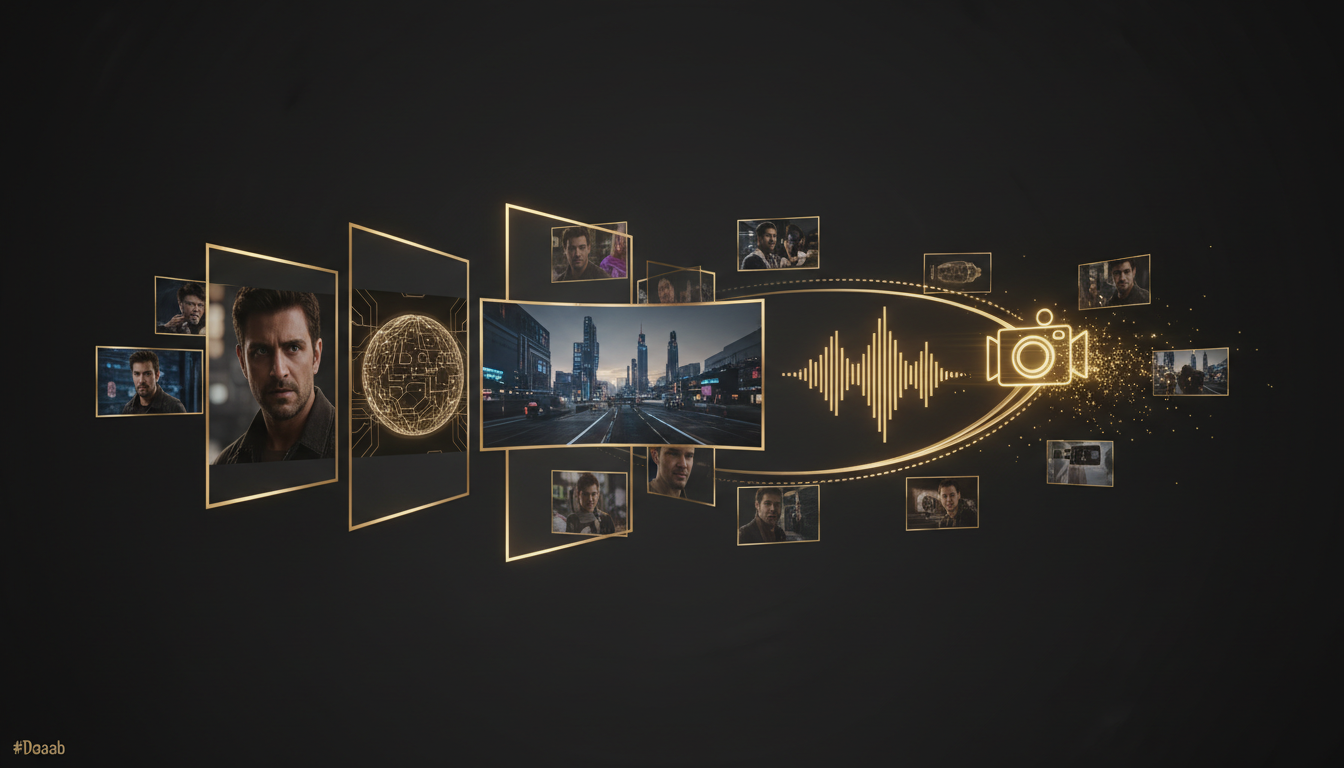
In February 2026, ByteDance released Seedance 2.0—a video generator that, for the first time, allows you to control a scene like a real director. You aren't just typing a prompt like "a girl walking down the street"; you can lock in a face via a reference, set a specific camera trajectory, and get native audio synchronized with the visuals.
The main difference from competitors is the quad-modal input. You can simultaneously upload a text prompt, up to 9 images, up to 3 videos, and up to 3 audio files. The model extracts visual patterns, movement physics, and sound textures from these to assemble a final scene up to 15 seconds long.
How Quad-Modal Input Works
The system allows you to upload up to 12 files at once: 9 images, 3 videos (each up to 15 seconds), and 3 audio files (also up to 15 seconds). These aren't just references—the model understands exactly how to utilize each file.
Suppose you are making a commercial for a coffee shop. You upload a photo of the interior, a video with camera movement from another project, and an audio file with background cafe noise. In your prompt, you specify: "Take the interior from the first image, the camera movement from the video, and the sound texture from the audio. Add a barista behind the counter, a close-up of a cup, and soft morning light."
The model will assemble a scene where the camera moves exactly along the trajectory from the reference video, the interior matches your photo, and the cafe sound is perfectly synchronized with the visual sequence.
Native Audio: Sound Created Alongside Video
Most video generators create silent films—you have to add sound manually in an editor. Seedance 2.0 uses Unified Generation technology: audio and video are generated simultaneously in a single process.
The practical result: the sound of footsteps matches the movement of feet on screen, the sound of raindrops hitting glass is synchronized with the visual effect, and the background music adjusts to the tempo of the scene.
The system supports over eight languages, including English, Chinese, Spanish, and Japanese. Lip-syncing works at an advanced level: the model accounts for micro-vibrations of the face, breathing, and the emotional coloring of speech.
If you upload a character portrait and an audio file of speech, Seedance will make the character speak with correct articulation and facial expressions. This is critical for creating talking avatars, educational videos, and content localization.
How to Write Prompts for Seedance 2.0
The model doesn't work like a literary generator—structure is key here. The best approach is to build your prompt using the formula: object + action + camera + style.
Bad prompt: "A man walking through the city." The model will fill in the blanks itself, and the result will be unpredictable.
Good prompt: "A young man in a dark coat walking down a wet night street in Tokyo. The camera follows him from ground level, slowly rising. Neon reflections on the asphalt. Cinematic style, depth of field, film grain."
If you are using reference files, apply tag syntax. For example: "Take the character's appearance from the first image, transfer the camera movement physics from the first video, and set the scene tempo to the rhythm of the first audio file."
For complex scenes, specify the timing: "0–4 seconds: wide shot, hero walking down the street. 4–9 seconds: close-up of the face, hero smiling. 9–15 seconds: camera pulls back, showing the entire block."
Director's Control: Camera and Editing
Seedance 2.0 understands professional cinematography terms: dolly zoom, rack focus, handheld. You can specify focal length, zoom speed, object tracking, or simulated handheld camera shake.
The model also supports a Multi-Shot Storyboarding feature—internal editing. Within the 15-second limit, the algorithm independently makes logical cuts between shots. For example, it starts the scene with a wide shot of the city and smoothly transitions to a close-up of the hero's face.
Practical case: you are filming a commercial for a sports brand. You upload a video with camera movement from a professional Nike ad, a photo of a model, and audio with a dynamic track. In the prompt, you specify: "Take the camera movement from the reference video and apply it to the model from the photo. Close-up of the face, transition to a wide shot of running at the stadium. Synchronize the editing rhythm with the audio."
The model will create a scene where the camera moves exactly along the trajectory from the reference, and the cuts between shots match the rhythm of the music.
Seamless Video Extension
If a generated segment turns out well but cuts off at the most interesting moment, you can extend it. Upload the clip back as a base, specify the desired number of additional seconds, and the system will draw the rest of the scene.
Full continuity is maintained: movement trajectory, lighting, and folds in the character's clothing. Technical nuance: the length of the new generation must strictly match the time of the desired scene extension.
This is useful for creating long videos from short fragments. Instead of splicing several independent pieces in an editor, you sequentially build up a single scene while maintaining visual integrity.
Limitations and Blind Spots
The ideal resolution for Seedance 2.0 is 1080p. When attempting aggressive upscaling or heavy zooming, artifacts appear. Small details in the background may lose clarity, and faces in a dense crowd sometimes blur together.
The percentage of successful generations stays at around 90 percent. Occasionally, glitches occur when calculating complex anatomy—for example, when fingers interlace during a handshake.
The model strictly refuses to generate explicit adult content, extremely bloody scenes, or low-quality "trash" content. However, cinematic combat choreography, fencing, dark aesthetics, or thrillers pass internal filters without issues.
Comparison with Kling 3.0 and Veo 3.1
The main advantage of Seedance 2.0 over Kling 3.0 is quad-modality and native audio. Kling provides excellent cinematic realism but works only with text and images. Sound must be added separately.
Google's Veo 3.1 also supports multi-modal input, but it falls short in generation length (up to 12 seconds versus 15 for Seedance) and does not provide such deep control over the camera.
Kling 3.0 struggles with generating clips of a strictly defined length in a single piece. Seedance delivers monolithic blocks of up to 15 seconds without dynamic sagging.
For quick tests and social media, Kling is better—it is more forgiving of short prompts and fills in details on its own. Seedance requires thoughtful work, clear prompts, and prepared references, but in return, it gives you full control over the result.
How to Start Working with Seedance 2.0
The model is available via a web interface and API. Commercial use requires a paid subscription—the free version applies watermarks and is intended only for personal projects.
Practical tip: start by creating an ideal starting frame in a text-to-image generation model. Get a flawless composition or a unique character, then upload it to Seedance 2.0 as a base for animation.
For your first experiments, use simple prompts with a clear structure: object, action, camera, style. Gradually add reference files and timing.
If you need complex camera work, use professional terms. The model understands dolly zoom, rack focus, and tracking shots perfectly.
Try Seedance 2.0 in GEMERA AI—you will get access to the model without complex settings and can move straight to practice. Create videos with native sound, control the camera and editing—all in one interface.