Assembling product photos in 10 minutes — and testing where the AI falls short
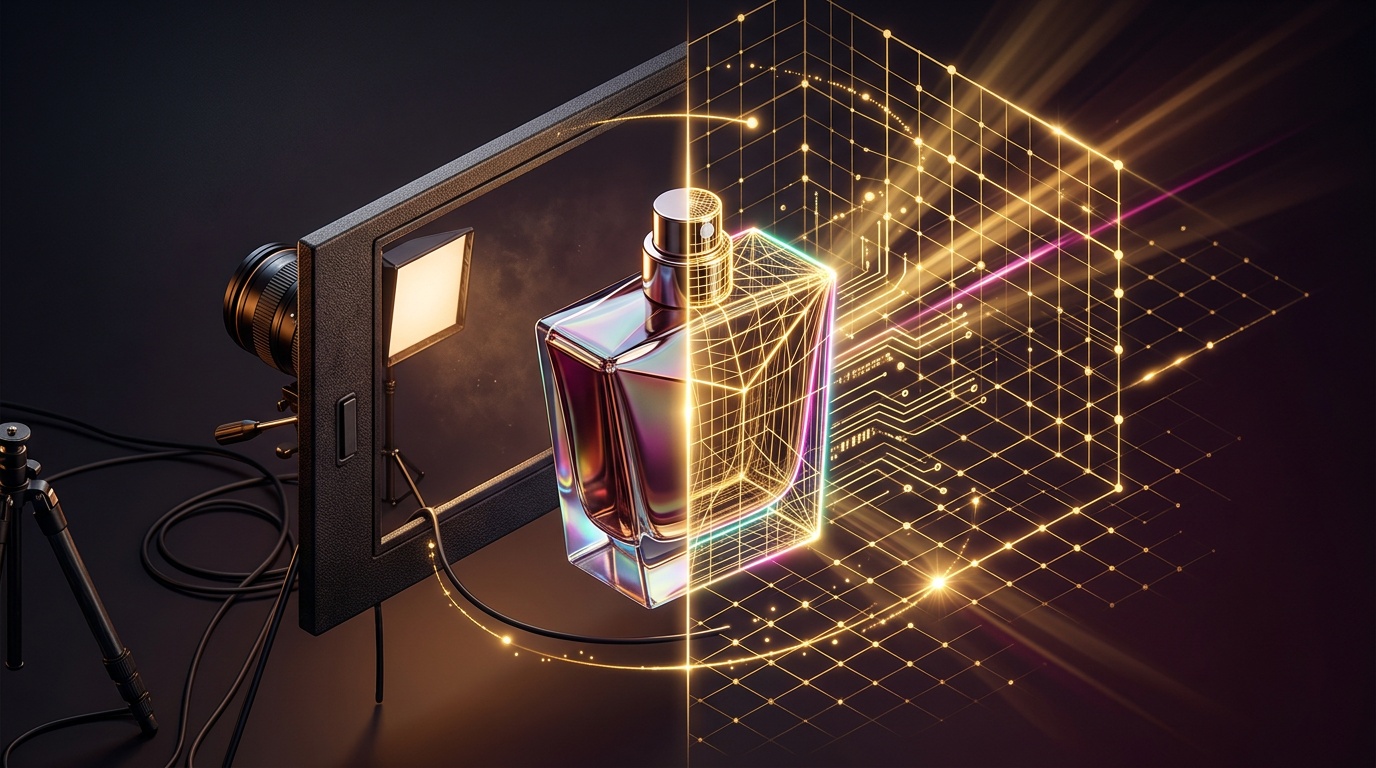
Aggregator ads promise: upload a photo of your product, write a prompt, and in ten minutes you have a studio-level advertising card. This is partially true. But if you sit down and honestly go through the entire journey from source file to finished image, it turns out that "ten minutes" is the generation time, not the time to get a finished result that can be immediately posted to a marketplace without edits.
What AI is actually capable of with products
Currently, two models are most often used for product photography: Nano Banana Pro from Google and Flux 2 Pro from Black Forest Labs. Both have specific specializations rather than general "image magic."
The main advantage of Flux 2 Pro is its realistic handling of light and materials: the model excels at rendering skin, fabric, glass, metal, wood, ceramics, plastic, and other textures. The model's architecture understands lighting and real-world physics, creating images that look genuinely natural rather than artificially generated. For a perfume bottle on marble or a cosmetic jar with a glass lid, this is critical—this is exactly where cheaper models most often produce plastic gloss instead of glass.
Nano Banana Pro, in turn, is strong in another area. Nano Banana Pro is particularly good at generating readable text directly on the image—headlines on posters, text on packaging, labels on infographics—and in different languages, whereas with most other models, text inside an image still looks like a set of random characters. If a product card requires text on the packaging or a price tag on a banner, this is the only realistic option among generative models.
Both models can work with references, not just "drawing from scratch." The model can process up to 10 reference images simultaneously, preserving character traits, product details, and style elements across all results, which makes it useful for maintaining brand consistency and product visualization. This is exactly what distinguishes "AI product photography" from simply generating a pretty picture: you aren't asking the model to invent a bottle; you are asking it to place your real bottle into a new scene.
The 10-minute technique: how it's done in practice
The real algorithm is shorter than it seems, but each step solves a specific problem.
- Shoot or find one clean source image of the product. Even lighting, minimal shadows, the entire product in the frame. The AI cannot "see" what isn't in the source—if the label is blurry in the photo, it will remain blurry in the generation.
- Upload the photo as a reference rather than describing the product in text. A prompt like "preserve the shape, color, logo, packaging, and proportions of the product" works more reliably than trying to describe the bottle with words—that way, the model won't start "reinventing" details.
- Describe the scene separately from the product. Background, lighting, angle, style—in a separate block. Mixing the product description and the scene description in one sentence is a common reason why the model distorts the packaging.
- Explicitly state what cannot be changed. Phrasing like "do not deform logo elements, do not add random text to the packaging" really reduces the number of artifacts—this isn't superstition, but a working technique recommended by experienced model users.
- Create a series, not just one frame. Several angles with the same prompt-framework look much more like a real photoshoot than a single random generation.
With careful prompt assembly, the entire cycle—from uploading the photo to the finished image—fits into those ten minutes. The question is what happens after generation.
Where the technique breaks down in practice
This is where the honest part begins. AI is not a studio photographer, and it has systemic weaknesses that cannot be fixed with a longer prompt.
- Fine details and label text. Models struggle with very small elements of an image: if you ask to fix an inscription on a label or a small detail in the background, the result may be distorted, and pixel-level accuracy is inferior to manual work in an editor.
- Consistency between frames is not guaranteed. The model is trained to preserve traits and key details, but complete consistency of the product's shape or proportions between multiple generations is not guaranteed—sometimes the bottle in the third frame changes its proportions slightly compared to the first.
- Working with hands and complex angles. If a model's or person's hand is holding the product in the frame, errors typical of human imagery occur—incorrectly drawn fingers or poses in complex angles remain a common problem.
- Text in rare languages and complex phrasing. In rare languages or with complex idiomatic expressions in the image text, spelling errors are possible—the text on the packaging should always be checked manually before publication.
- Rights to the result are not an abstract question. By using commercial APIs for generation, you agree that the provider may generate content similar in substance for other clients—for exclusive brand visuals, this is worth keeping in mind.
It is also worth mentioning the frame format: some models stubbornly lean toward a square or crop the composition, even if you explicitly ask for a vertical frame for a marketplace card—sometimes you have to adjust the aspect ratio manually.
The bottom line
The technique of using a product reference and a separate scene description really reduces product photography to ten minutes of generation. But "ten minutes" is the time to get a draft, not a final asset. The logo, fine text, and series consistency still need to be checked by eye and sometimes touched up by hand. This does not mean the technique is useless—it means that the AI here works as a fast draft workshop, not as a replacement for final retouching.
If you want to try this technique without changing your IP or using a foreign card, Nano Banana Pro, Flux 2 Pro, and other models for product photography are available in GEMERA AI, via our Telegram bot and web dashboard. You can quickly compare which model handles your specific product best—glass, fabric, or packaging with text—and decide for yourself where the time savings end and manual refinement begins.