Suno v6 vs. Suno v5.5: Real-World Track Production
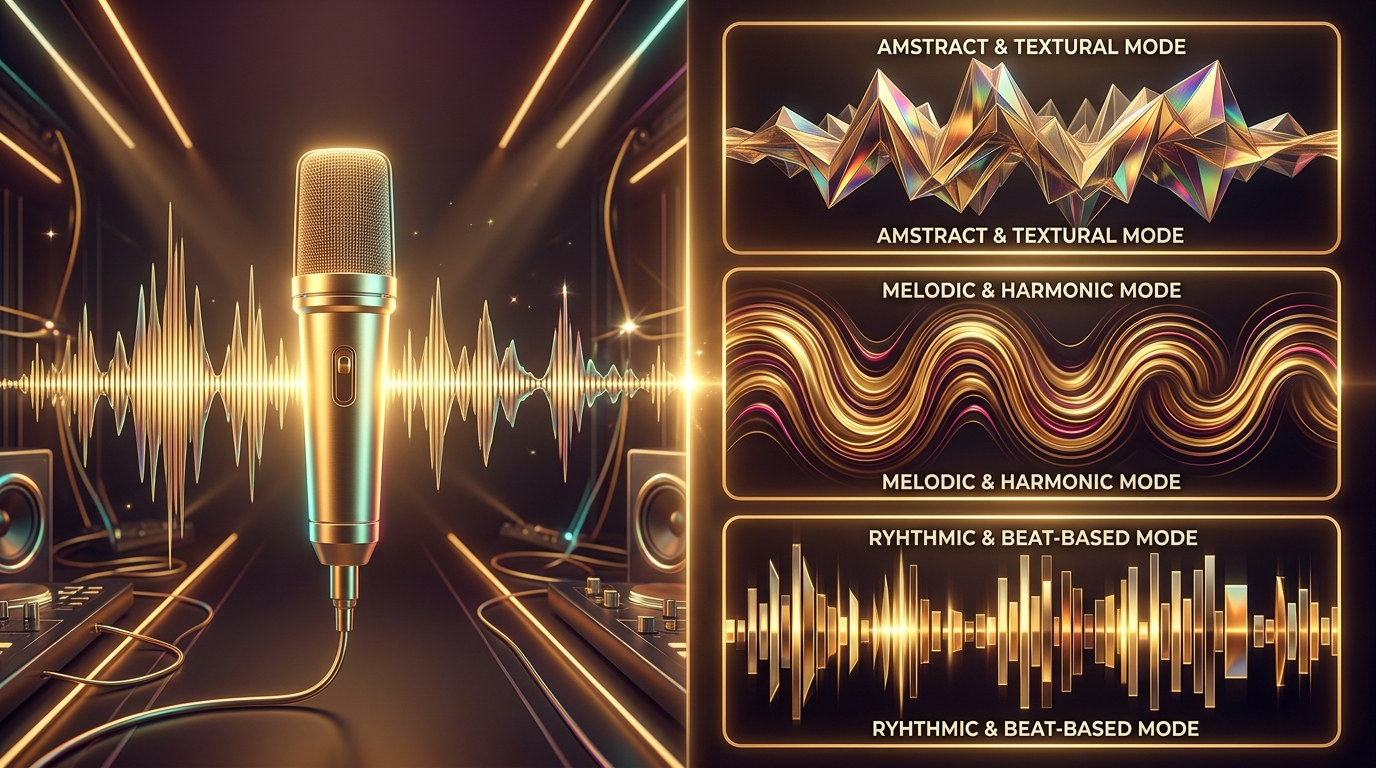
On September 9, without any major announcements on its homepage, Suno changed the rules of the game for millions of users accustomed to working in v4.5 and v5.5. The old models weren't updated—they were retired. In their place came not just one model, but an entire family with distinct personalities. For those who earn money from AI music or simply create tracks for videos and social media, this isn't just a cosmetic update; it's a shift in the entire workflow.
What actually changed on September 9
Suno launched v6 on 9 September 2026, three music models built with Warner Music, BMG and Believe. This is a fundamentally different story compared to previous releases: these models are the first to be created with the participation of record labels during training. In other words, Suno has moved out of the "gray zone" and officially stepped onto the path of licensed content—at least with a portion of the industry.
Three practical innovations stand out:
- Natural language editing. Generation now allows for editing a single section or line using natural language, creating mashups from multiple songs, and inputting text, audio, images, or video. Simply put: you no longer need to regenerate an entire song because of one bad line in a verse.
- Mashups from different sources. A mashup can be assembled from multiple sources in a single prompt: vocals from one song, drums from another, new lyrics, and a specific style.
- Multimodal input. You can upload a photo of a city at night and ask it to create a corresponding atmospheric synthwave track.
Three models—three different tools, not just a version upgrade
The main difference between v6 and all previous releases is that the model has split into three separate products. Choosing between them is now part of the workflow, rather than just a question of whether you have updated or not.
- v6 — The company calls it their most reliable and precise model. It delivers a "polished" result in any genre or style. Use it when you know exactly what kind of track you need.
- v6-wild — An experimental model, also for paid subscribers. It is less predictable and more diverse, making it suitable for cases where you want an unexpected result.
- v6-mini — Available on all plans and designed for quick drafts before you spend your paid generation credits.
Where promises met reality
Any major release inevitably undergoes community testing—and this is where the most interesting conflict begins: marketing versus the actual sound. A few days after the launch, it became clear that the flagship v6 is not equally good across all genres. Pop, rock, and folk users are generally satisfied; metal and drum and bass users are not. Moreover, part of the character of the old models simply migrated to another model in the lineup: several users have noted that the old "sound personality" ended up there. So, if v6 sounds too smooth and faceless for your genre, the logical next step is to try v6-wild rather than returning to old versions, which have already been disabled.
The second point, which is easy to forget in the excitement over new features, is the rights to the output. On the free plan, the rules remain strict: the Free pricing page explicitly states the lack of commercial rights, monthly download packages, the ability to purchase additional credits, and the ability to split a song into individual tracks. If you plan to use a track in advertising, for a brand, or in a monetized video, a paid plan is essential.
Voice remains a major topic
Music in the Suno ecosystem has long gone beyond instrumentals and lyrics—the voice has become an independent creative tool. The main innovation of v5.5 was the Voices feature: user voice cloning. Pro and Premier subscribers can upload or record a vocal snippet between 15 seconds and 4 minutes long, after which the AI will generate songs featuring that specific voice. This feature still works in the new lineup and remains critical for those who want a recognizable voice in every track rather than a random voice from the model's general database.
An important detail for security: to prevent voice theft, Suno has built in a verification mechanism. The system asks the user to speak a random phrase and then compares it to the voice in the uploaded audio. This is a sensible protection in an era where voice cloning has become a routine feature rather than an exotic novelty.
How to apply this in practice
If you were already working in Suno before September, adjusting your workflow will take little time:
- Start drafts in the free model—it is fast enough to test ideas and lyrics before spending paid generations.
- For a precise result with a clear genre and mood, use the flagship model with a clear, specific prompt.
- If the sound turns out flat or faceless—especially in electronic and heavy genres—switch to the experimental branch of the lineup.
- To refine a finished track, use targeted editing of a line or section instead of full regeneration—this saves time and credits.
- Check the plan terms before commercial use: ownership of the track and monetization eligibility depend on your plan, not just the sound quality.
Suno v6 is not just "an improvement"; it is a change in approach. Instead of one universal model, it is a set of tools for different tasks, tied to relationships with labels and more clearly defined rights. For a creator, this means one thing: test all three models with your own material rather than relying solely on the hype surrounding the release.
You can try the new Suno models, as well as voice and visual AI tools for creative tasks, directly in GEMERA AI—via our Telegram bot or web dashboard, without extra settings or workarounds.