Veo 3.1 and Seedance 2.0 now support video generation with dialogue and lip-sync
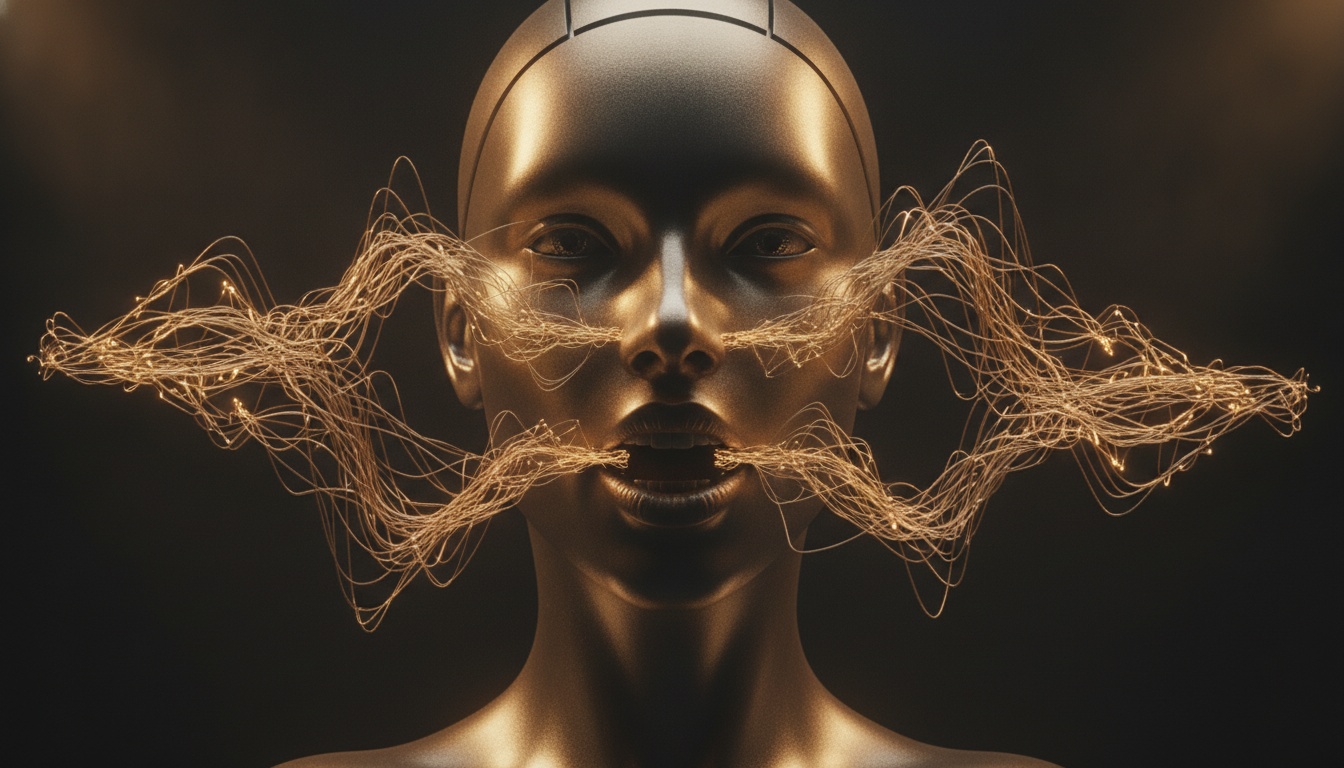
Just six months ago, video generators could create beautiful visuals, but character speech was a major struggle. Lips moved out of sync, audio didn't match articulation, and Russian voiceovers often turned into a jumble of random sounds. In February 2026, the situation changed: Veo 3.1, Seedance 2.0, and Happy Horse 1.0 learned how to synchronize lip movements with audio tracks.
What is lip-sync and why does it matter?
Lip-sync is the synchronization of a character's lip movements with speech. Previously, video generators either couldn't handle audio at all or added it separately, ignoring articulation. The result was unnatural: the character would speak, but their lips moved independently of the words.
New models have learned to analyze audio tracks and adjust facial expressions accordingly. This opens up possibilities for creating educational videos, dialogue-based advertisements, and short films where characters actually talk rather than just moving their lips.
How the technology works in different models
Each model has implemented lip-sync in its own way:
- Veo 3.1 can generate native audio along with the video. The model analyzes the prompt, creates an audio track, and synchronizes it with the character's lip movements. The result is stable, though it currently only works with English.
- Seedance 2.0 supports uploading external audio tracks. You record a voice or use a pre-made file, upload it to the interface, and the model adjusts the character's facial expressions to match. This is convenient for videos with voiceovers or content in different languages.
- Kling 3.0 offers an advanced lip-sync feature with emotion control. The model doesn't just synchronize the lips; it also adjusts facial expressions to match the tone of the speech—the character can smile, frown, or look surprised in time with the words.
Russian voiceover: what has changed
Before February 2026, Russian-language videos were created in two stages: first, the video was generated, and then audio was overlaid using third-party voiceover services. Synchronization had to be done manually, and each video took hours of editing.
Seedance 2.0 and Veo 3.1 have solved this problem. Now, you can upload a Russian audio track, and the model will adjust the articulation to match. The quality isn't perfect yet—sometimes the lips lag by a couple of frames, especially during fast speech. However, for educational videos, presentations, and commercials, the result is already quite usable.
What tasks does lip-sync solve?
Lip-sync opens up three major areas:
- Educational content. You can create videos with a virtual presenter who explains the material. Previously, this required an actor or animator; now, all you need is a script and a voice track.
- Advertising and presentations. A character can talk about a product, answer questions, or demonstrate features. This is cheaper than filming and faster than traditional animation.
- Short films and clips. Dialogues between characters now look natural. You can create scenes with conversations without resorting to voiceovers or subtitles.
Limitations and nuances
The technology is not yet perfect. Veo 3.1 sometimes loses synchronization during long phrases, especially if the character turns their head. Seedance 2.0 requires a high-quality audio track without background noise; otherwise, the model confuses speech with ambient sounds and distorts the articulation.
Kling 3.0 shows the best results but works slower than its competitors. Generating a 10-second video with lip-sync takes up to five minutes, while Veo 3.1 handles it in two.
Another factor is language. Veo 3.1 is currently optimized for English, so issues may arise with Russian. Seedance 2.0 and Kling 3.0 work with any audio track but require clear diction and a moderate speaking pace.
What's next?
Lip-sync is the first step toward full-fledged dialogues in video generators. The next stage is the automatic generation of lines and emotions based on a script. Models will learn not just to synchronize lips, but also to select intonation, gestures, and facial expressions based on the context of the scene.
For now, lip-sync already covers most of the needs for content creators. If you need a virtual presenter, a commercial with dialogue, or an educational video, try the new features of Veo 3.1, Seedance 2.0, or Kling 3.0 at GEMERA AI. The technology is available via our Telegram bot and web dashboard, with no VPN or complex settings required.