XML tags vs. plain text in AI prompts
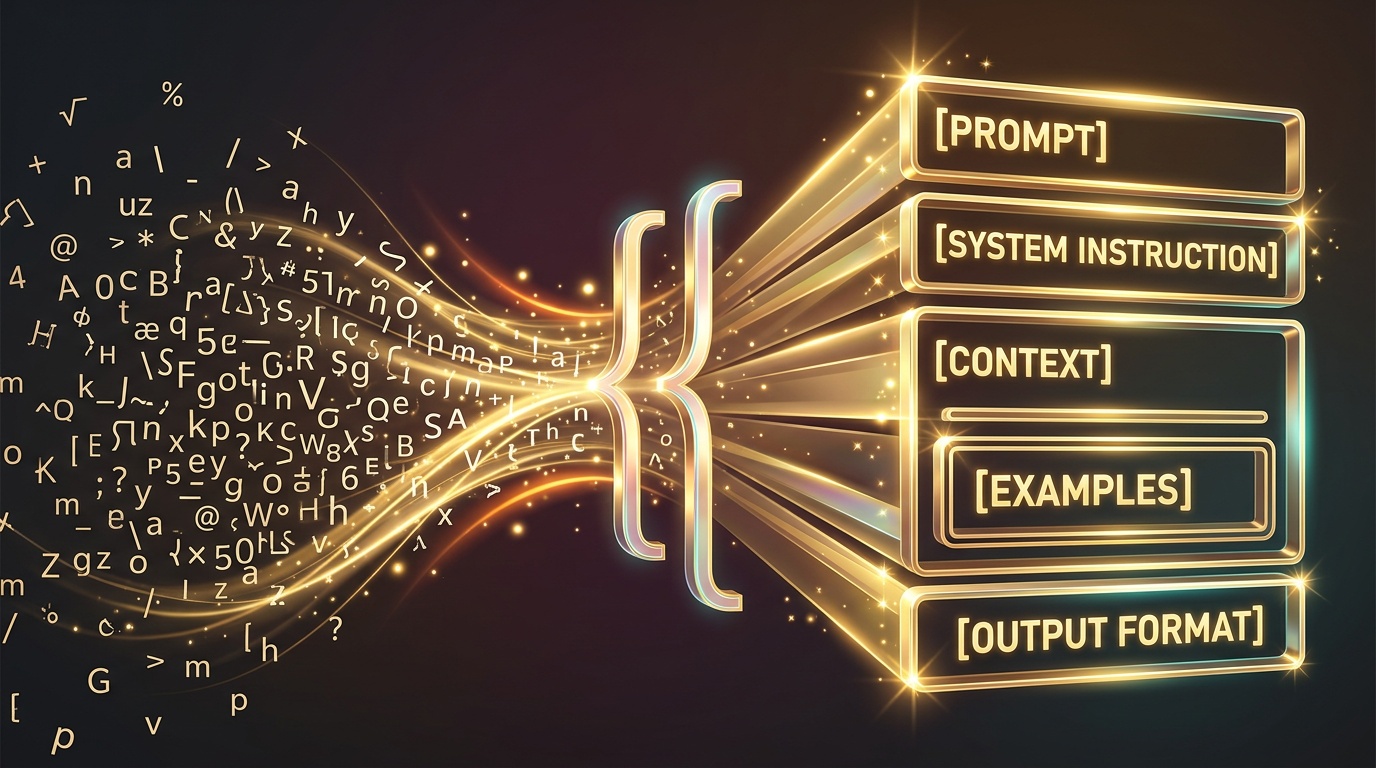
A prompt consisting of three mixed paragraphs—covering context, task, and formatting requirements—will be parsed by a model based on luck. It might read a single paragraph without boundaries as a single unit and confuse an example with an instruction, or an instruction with background information. Claude's developers recommend a specific technique that solves this problem: marking up the prompt with tags, similar to XML. It sounds like a technical detail for programmers, but it works in a regular chat as well—with any model available in the GEMERA AI dashboard.
Why plain text confuses the model
A language model does not "understand" text the way a human does; it predicts the next token based on the entire input data. When context, tasks, and examples are merged into a single block, the model is forced to guess where the background ends and the command begins. Claude's official documentation explicitly states: XML tags help Claude parse complex prompts unambiguously, especially when your prompt mixes instructions, context, examples, and variable inputs, and wrapping each type of content in its own tag reduces misinterpretation.
Anthropic developers describe four specific benefits of this approach: clear separation of prompt sections, a reduction in errors due to misinterpretation, flexibility when adding or removing parts without rewriting the entire text, and ease of parsing the model's response. A similar principle—prioritizing instructions—is used by OpenAI: models are trained to follow a clear hierarchy of instructions, where higher-priority instructions are more trusted. The point is the same: explicit boundaries between parts of a request reduce noise and confusion.
A working template to keep handy
There is no need to invent special tag names; the model focuses on meaning, not a specific vocabulary. The documentation notes that there are no canonical "best" tags; it is important to use meaningful names and consistent naming throughout the prompt. In practice, for most work tasks, 3–5 blocks are sufficient:
- <context> — background and introductory info: who you are, who the text is for, what the situation is
- <task> — the task itself, as specifically as possible
- <instructions> — rules, constraints, requirements for tone and length
- <examples> — one or two examples of what the result should look like
- <output_format> — response format: list, table, length, structure
An important clarification on balance: if a section is just one sentence, it does not need a separate tag. You should only use tags to highlight parts that could realistically be confused with one another—for example, reference data and instructions on how to process it.
How it looks in practice
Let's take a typical marketer's task: asking the model to write a social media post based on a brief. A standard request looks like one paragraph: "here is the brief, here is the tone, write a post, don't forget the call to action, we have a B2B audience." The model might grab a piece of the brief as finished text or confuse the brand tone with the content of the post.
The same request with markup breaks down into clear blocks: in <context>—who the audience is and what the product's unique selling point is; in <task>—specifically "write a post for Telegram"; in <instructions>—tone, length, a ban on bureaucratic language; in <output_format>—requirements for structure (headline, three paragraphs, call to action at the end). The difference in control over the result is noticeable on the very first attempt—you don't need to rewrite the entire request if one requirement changes; you just need to adjust the necessary block.
Add a tag for reasoning—and get fewer errors
A separate technique that is combined with markup is to move the model's reasoning into a separate block before the final answer. The documentation describes it this way: combining XML tags with other techniques—such as examples via <examples> or a chain of thought via <thinking> and <answer>—creates ultra-structured, high-performance prompts. This works especially well for complex tasks: step-by-step reasoning helps the model break the problem down into stages and provides more accurate and balanced results—this technique is particularly useful for complex math, multi-stage analysis, and decisions involving many factors.
A practical benefit of separating <thinking> and <answer>: if the reasoning gets in the way—for example, if you only need a clean answer in the chat without "thinking out loud"—you can ask the model to provide the final output separately, and you won't have to manually clean up the text. Independent tests of this approach show a noticeable increase in accuracy: one recent study of applied prompt engineering techniques indicates that step-by-step reasoning raises accuracy by up to 61% compared to a basic request without structure.
When markup is not needed
It doesn't make sense to tag every request. A short question without many parts is easier to write as plain text—structure adds value specifically where there are several different types of information: background, task, examples, format. One practical guide puts it clearly: if a prompt consists of one sentence, XML tags are not needed—they add value when there are several distinct sections. Beginners should try markup on prompts that are already performing inconsistently: where the model periodically confuses the tone, forgets part of the requirements, or cuts out important details.
The technique is universal and not tied to a specific vendor—the principles of "separating background, task, and format" help build a clear dialogue equally well with GPT, Gemini, and Claude. In the GEMERA AI dashboard, you can quickly test the effect on your own tasks: draft a prompt with and without tags, send the same request to several models, and compare which result is closer to what you need. Sometimes a couple of extra lines of markup save ten minutes of rewriting the response from scratch.